Quick answer: Most holiday home DStv problems come from three things: the account is still on the main house, the decoder has been off too long, or wind and salt air have moved the dish or damaged a connector. Activate the Holiday Home decoder on your DStv account a day before you arrive. Then switch the decoder on with the smartcard in and give it up to 20 minutes. If there is still no signal, the fault is usually on the roof, not in the box.
You arrive for the long weekend, open the windows, put the kettle on and switch on the TV. Nothing. Just a blank screen, an error code or "No signal". This holiday home DStv Fish Hoek checklist is here so that moment never ruins your first evening. We see it every season, from Clovelly cottages to big family houses up in Capri.
Below we explain why the system stops working while you are away, what you can fix yourself in ten minutes, and when it really needs a technician on the roof.
Why holiday home DStv stops working while you are away
A house that sits closed for months is hard on satellite gear. Nobody is there to notice a loose dish, a tripped plug or a flashing light on the decoder. Small problems quietly stack up.
The good news is that the causes are predictable. We find the same handful of faults again and again across the South Peninsula. Once you know them, you can check most of them before you even pack the car.
Key points before your next visit
- Your DStv package can only run on one decoder at a time unless you pay for both.
- A decoder needs power, the smartcard and a clear signal to receive its activation.
- Wind and salt air are the main reasons a dish fails between visits.
- WiFi matters too if you use Catch Up, streaming or the DStv app.
- Book any roof work early. December and Easter fill up fast.
What goes wrong when a Fish Hoek house sits empty
Here are the causes we find most often when we are called to a quiet house in Glencairn, Sunnydale or along the Kommetjie road. Most homes have more than one at the same time.
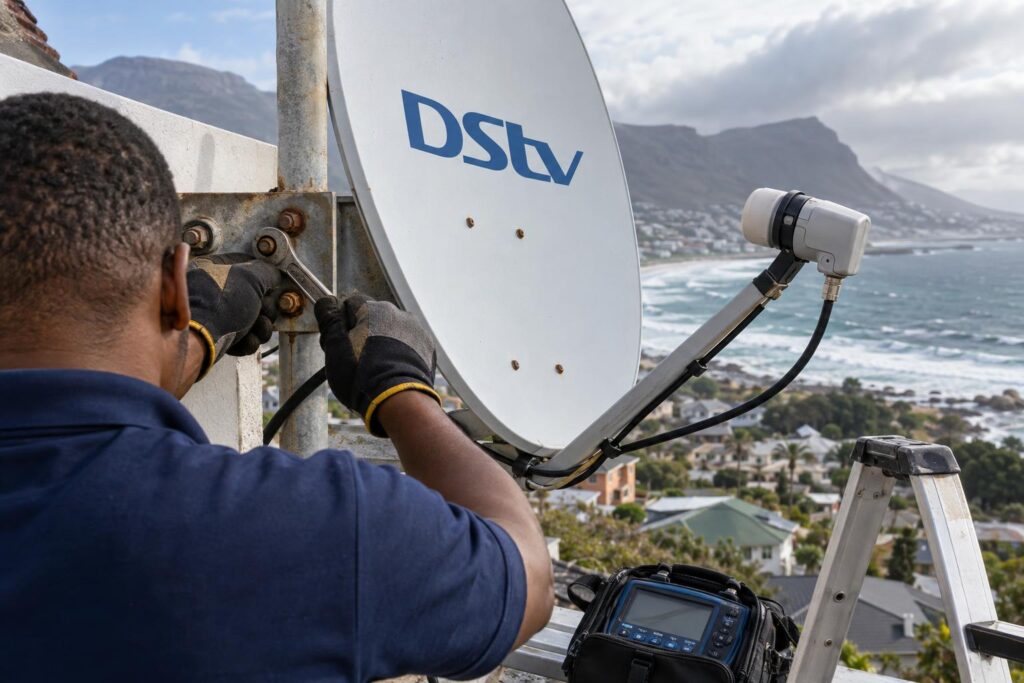
Wind moves the dish
The southeaster blows hard across the Fish Hoek valley from spring into summer. A dish only needs to shift a few millimetres to lose its lock on the satellite. A bracket that was fine in winter can work loose after a few windy weeks.
That is why a proper dish alignment after a southeaster uses a signal meter and fully tightened bolts, not a guess from the ground.
Salt air eats connectors
Homes near False Bay get a fine salt mist almost every day. It creeps into F-connectors, LNB covers and cheap cable. Over a few months the signal gets weaker, then cuts out completely.
Houses in Kalk Bay and on the Glencairn side get it worst. We cover the warning signs in our guide to salt air corrosion on satellite dishes.
Power cuts and surges
Power cuts and load shedding can leave a decoder stuck, switched off at the wall or damaged by a surge when power returns. If nobody is home, it can sit like that for weeks.
A decoder that has been off for a long time also misses the signals DStv sends to keep it active. That is why it often shows an error the first time you switch it on.
The account is still on the main house
This is the most common "fault" of all, and it is not a fault. If your package is still running on the decoder at home, the holiday house decoder has nothing to show. No amount of rebooting will fix that.
Holiday homes also attract rodents, damp and the odd curious guest who unplugs things. A chewed cable in the roof looks exactly like a bad signal on screen.
Holiday home DStv fixes you can do yourself
Before you call anyone, work through these checks. They solve a big share of the problems we hear about on the phone.
Activate the Holiday Home decoder on your account
DStv lets you link a holiday home decoder to your main account. It shows as Holiday Home (with an umbrella icon) under your decoders on MyDStv and in the DStv app. You can then choose one of two options:
- Switch: your package moves from the main house to the holiday house for the dates you choose. Your home decoder goes off while you are away.
- Reconnect: both decoders stay on. DStv bills you for the extra days you watch at the holiday house.
When you leave, use Move Package to send the package back to your main decoder. DStv explains each step on its holiday viewing help page.
Switch on, insert the smartcard and wait
DStv sends the activation by satellite. Your decoder must be switched on with the smartcard inserted to receive it. It can take up to 20 minutes for the signal to come through.
Leave it on a DStv channel and be patient. Pulling the plug after five minutes just restarts the wait.
Clear an E16 error
An E16 message usually means the decoder is not getting its service. You can clear it in the DStv app or through DStv support channels such as WhatsApp. Make sure the decoder stays on while you do it.
Restart in the right order
If the box seems frozen, switch everything off at the wall for a full minute. Turn on the decoder first and let it fully start, then the TV. If there are no lights at all, follow our checks for a DStv decoder that won't turn on before you assume it is broken.
Local tip: Activate the Holiday Home decoder the evening before you drive down. If a neighbour or rental agent has a key, ask them to switch the decoder on that night. You arrive to a working TV instead of a 20 minute wait.
The pre-arrival holiday home DStv checklist
Use this list a week or two before each visit. It works for a family house in Sun Valley and a lock-up-and-go flat in Simon's Town alike.
One to two weeks before you arrive
- Log in to MyDStv or the DStv app and confirm the Holiday Home decoder is still linked to your account.
- Check that your subscription is paid up and that the package you want is active.
- Ask a neighbour or agent to look at the dish from the street. Is it still pointing the same way? Is the arm bent or the LNB cover cracked?
- If you had storms or long power cuts while away, book a check now, not on arrival day.
The day before you arrive
- Switch the package to the Holiday Home decoder, or choose Reconnect if the family at home still wants to watch.
- Have someone switch the decoder on at the wall with the smartcard inserted.
- Check the decoder after 20 minutes. If the screen shows a signal error, the problem is outside.
When you open up the house
- Look for loose or damp cables where they enter the house.
- Check the connectors behind the decoder are screwed in firmly, not just pushed on.
- Look for chewed cable in the roof space or garage.
- Test a few channels, including HD channels, which drop out first when signal is weak.
If any lead looks tired, our guide to DStv decoder cables and connections shows which parts are worth replacing.
Want it all working before you arrive?
We do pre-season checks for holiday homes across Fish Hoek and the Far South. We test the dish, cables and decoder, then confirm it is ready for your first night.
Call 079 754 5527WhatsApp usBook onlineWiFi, Catch Up and streaming at a holiday house
Many holiday houses only switch the internet on when the family arrives. The router may have reset, changed its password or lost power during a cut. Your Explora then loses Catch Up and connected apps, even though satellite channels still work.
Older holiday homes often have thick walls and long passages. The router sits by the front door, while the TV is in the lounge at the far end. A faster internet package does not fix that.
- Restart the router first and wait until the internet light is steady.
- Reconnect the decoder to the network if the WiFi name or password has changed.
- If the signal is weak at the TV, a network cable or access point is far more reliable than a plug-in extender.
Our team handles WiFi and network installation for holiday houses that need to come back online on their own after a power cut.
If you only need help getting connected, here is how to connect your Explora to WiFi step by step.
Switch, reconnect or suspend: which option suits you
Holiday home owners often ask which account option makes the most sense. It depends on who stays behind and how often you visit. Here is a simple comparison based on the options DStv offers for Holiday Home decoders.
| Option | What happens | Best for |
|---|---|---|
| Switch | Your package moves to the holiday decoder. The main house goes off until you move it back. | Owners who travel down as a whole family. |
| Reconnect | Both decoders stay on. You are billed for the extra days at the holiday house. | Families where someone stays home and still watches. |
| Suspend packages | The holiday decoder is turned off from a date you choose. | Closing the house for the season. |
Check the exact billing on your own account before you choose. It can differ by package and account type.
When to call us for your holiday home DStv
Some problems cannot be fixed from the couch. If your account is correct, the decoder is on and you still get a signal error, the fault is usually in the dish, LNB or cable. That is roof work, and it needs the right meter and safe access.
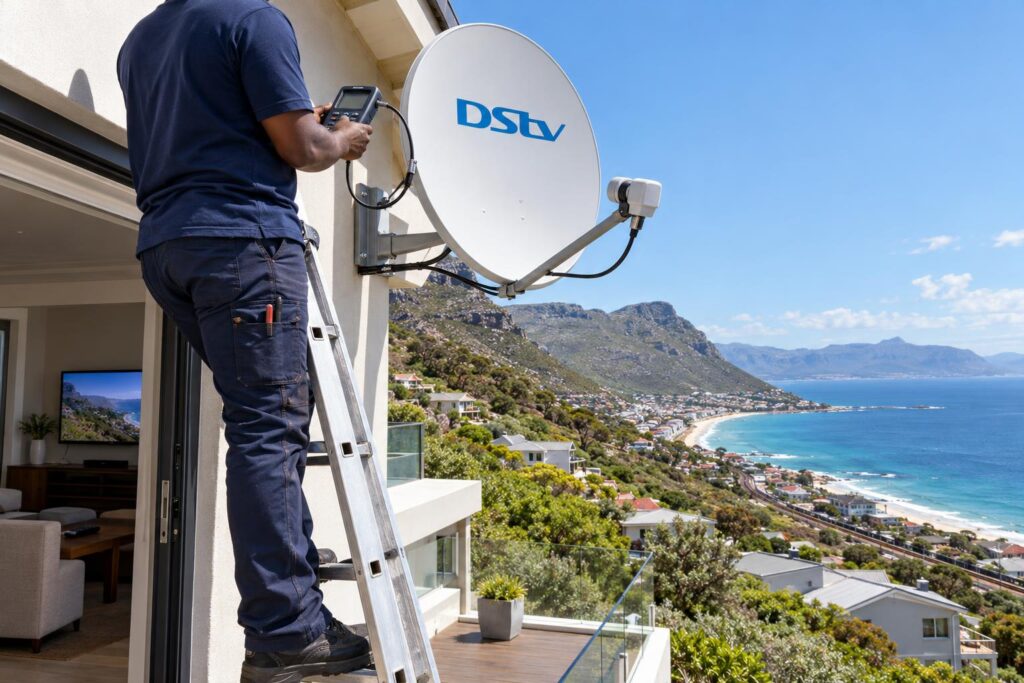
Call us when you notice any of these:
- "No signal" or E48-32 on every channel after the account is active.
- Picture freezes or breaks up when the wind picks up.
- A visibly bent dish arm, rusty bracket or cracked LNB.
- Cables that are chewed, waterlogged or green with corrosion.
- No lights on the decoder after a power cut or storm.
For houses that have stood empty for a whole winter, our DStv reconnections for seasonal homes cover the full job: new connectors, re-alignment, re-activation and a proper test.
Repair call-outs on our price list start from R550, and we always confirm the price before any work begins. Equipment is extra if parts need replacing. For a brand new system, our page on DStv installation in Fish Hoek shows what a full setup includes.
We work across Fish Hoek, Noordhoek, Kalk Bay and the rest of the peninsula. If you are renting the house out, our Fish Hoek DStv installers can do the check before your guests arrive, so you never get that phone call on a Friday night.
Arriving soon and the TV is not working?
Tell us your address and what you see on screen. We will tell you whether it is an account issue or a roof job, and book you in.
Call 079 754 5527WhatsApp usBook onlineA working TV is a small thing, until it is not. A short check before you leave home saves the first evening of every holiday.
Holiday home DStv FAQs
How do I activate holiday home DStv?
Log in to MyDStv or the DStv app and find the Holiday Home decoder under your decoders. Choose Switch to move your package there, or Reconnect to keep both decoders on. Switch the holiday decoder on with the smartcard inserted and allow up to 20 minutes for the signal.
Can I watch DStv at home and at my holiday home at the same time?
Yes, if you choose Reconnect instead of Switch. Both decoders stay on and DStv bills you for the extra days you watch at the holiday house. Check the exact amount on your account before you confirm.
Why does my holiday home DStv show no signal after I activated it?
If the account is active and the decoder is on, a signal error points to the dish, LNB or cabling. Wind can shift the dish and salt air can corrode connectors while the house is empty. A technician with a signal meter can find the fault quickly.
How do I clear an E16 error at my holiday home?
An E16 error means the decoder is not receiving its service. Keep the decoder switched on with the smartcard in, then clear the error through the DStv app or DStv support on WhatsApp. Give it a few minutes to update.
Should I switch my holiday home DStv decoder off when I leave?
Switch it off at the wall if the house will be empty for a long time, especially in stormy weather. Remember to switch it back on before your next visit, because it needs power to receive its activation. Use Move Package so your main decoder gets its package back.
Can you check my holiday home DStv before I arrive in Fish Hoek?
Yes. We do pre-season checks across Fish Hoek and the Far South, often with a neighbour or agent letting us in. We test the dish, cables and decoder and let you know it is ready.