Quick answer: Start with the power. Test the wall socket, check the plug and adapter, then unplug the decoder for 60 seconds and press the button on the front. No light means no power is reaching it. A red light means it has power but is stuck in standby. If it stays dead, the power supply has usually failed.
When a DStv decoder won't turn on Fish Hoek homeowners usually fear the worst. A dead box on a Friday night feels like a big expense. In many cases it is not. Most of the time the fault sits somewhere between the wall socket and the back of the decoder, and you can find it yourself in ten minutes.
This guide walks you through the same checks our team does when we arrive. At the end you will know whether it is a quick fix, a repair or time for a new box.
Why a DStv decoder won't turn on after a storm or power cut
Picture a typical winter evening in the valley. The southeaster has been pushing all day, the lights in Sun Valley flicker twice, and then the power goes off for an hour. When it comes back, the TV lights up but the decoder stays dark.
That is one of the most common calls we get across the Far South. Power cuts, load shedding and the surge when power returns are hard on small electronics. The decoder is often the first thing to suffer, because it stays plugged in day and night.
Power cuts, surges and tripped plugs
When the power comes back, it does not always come back gently. A spike can trip a surge plug, blow the fuse in a multiplug or damage a weak power adapter. Our guide to getting DStv back after load shedding explains the safe way to restart everything once the lights are on again.
Holiday homes and damp rooms
Many homes in Glencairn, Simon's Town and Kalk Bay stand empty for months at a time. Sea air finds its way indoors, and a closed TV cabinet can stay damp right through winter. A decoder that sat switched off in a damp room can refuse to start on the first weekend back.
Dust and heat play a part too. A decoder packed tightly into a cabinet with the TV box, the router and a sound bar runs hot every evening. Over a few years that heat wears out the power supply. If your setup feels like a jumble, it may be worth asking about proper DStv installation in Fish Hoek with the decoder placed where it can breathe.
Read the decoder lights first
When a DStv decoder won't turn on, the small light on the front tells you more than most people think. Before you pull any plugs, look at it closely. Then use the table below.
| What you see | What it usually means | What to do |
|---|---|---|
| No light at all | No power is reaching the decoder | Check the socket, plug, adapter and multiplug |
| Steady red light | Power is fine, decoder is in standby | Press the power button on the decoder itself |
| Red light, will not wake up | Decoder is stuck or the power supply is weak | Unplug for 60 seconds, then try again |
| Turns on, then switches off | Overheating or a failing power supply | Let it cool, clear the vents, then test |
| Light shows it is on, but black screen | Decoder is on, the TV or cable is the problem | Check the HDMI cable and TV input |
No light: the DStv decoder won't turn on at all
A completely dark decoder is not getting power. The fault is almost always the socket, the plug, the adapter or the cable.
Red light, but the decoder will not wake up
A steady red light means power is arriving. The decoder is resting in standby. Press the power button on the front of the box, not only the remote. If it wakes up, the decoder is fine and your remote needs attention.
It turns on, then goes off again
This points to heat or a tired power supply. Feel the top of the box. If it is very hot, switch it off and leave it to cool for half an hour before you try again.
One more thing to know. If the decoder turns on but shows a no signal message, that is a different problem. It is a dish or cable fault, not a power fault, and our page on the E48-32 error explained covers it.
DStv decoder won't turn on: checks to do before you call
Work through these steps in order. Stop as soon as the decoder comes back to life.
- Test the wall socket. Plug a lamp or phone charger into the same socket. If that does not work, check your distribution board for a tripped switch.
- Remove the multiplug. Plug the decoder straight into the wall. Surge plugs and multiplugs often fail quietly after a power cut.
- Check the power adapter. Many decoders run off a small plug-in adapter. Make sure it sits firmly in the socket and in the back of the decoder. If it has a light, see if it glows.
- Look at the cable. Run your hand along it. Pets, vacuum cleaners and furniture legs damage power cables more often than you would think.
- Do a hard restart. Switch off at the wall and unplug the decoder completely. Wait at least 60 seconds, plug it back in and switch on.
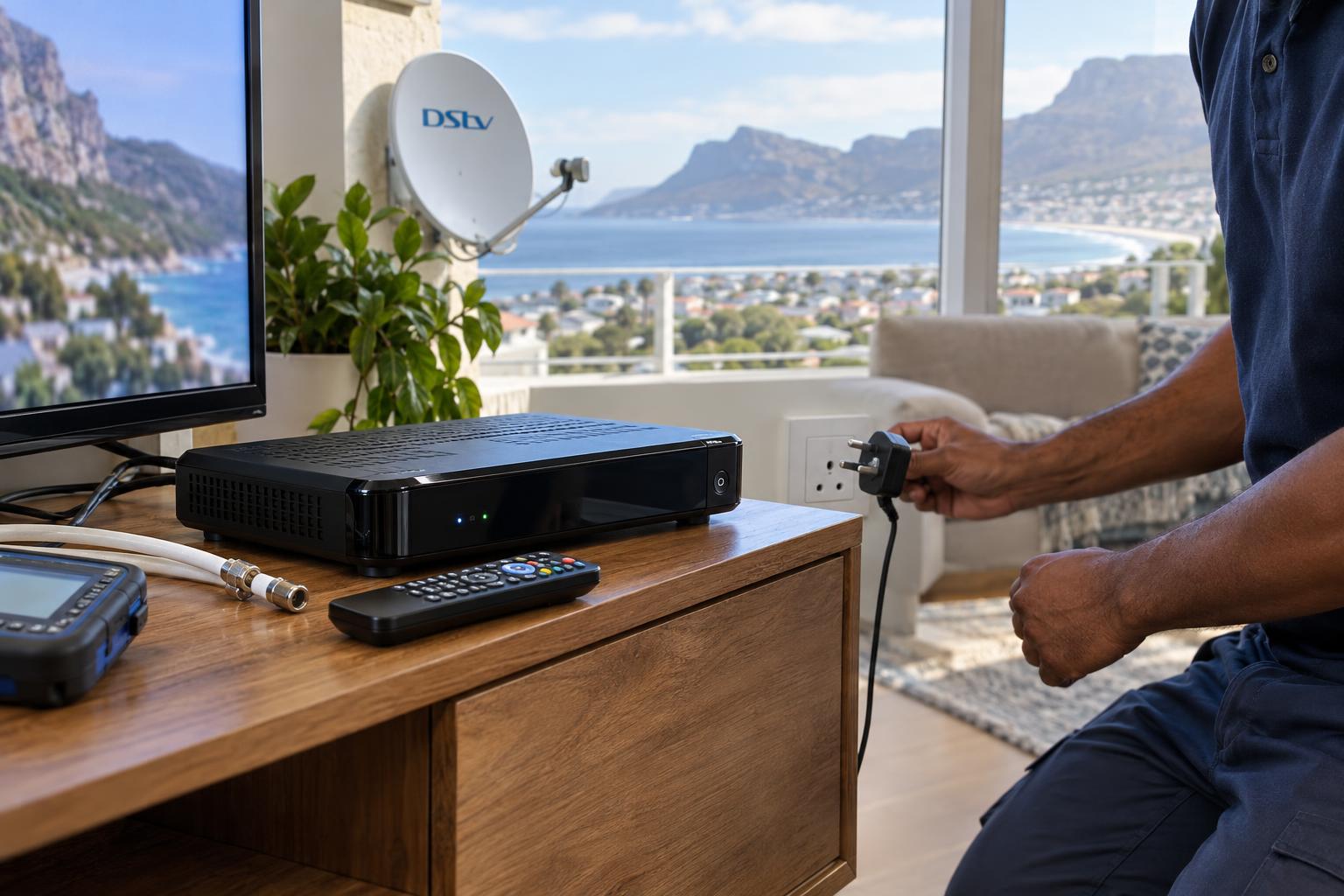
- Press the front button. Use the power button on the decoder itself. An Explora can take a few minutes to start up, so give it time.
- Check the TV input. If the decoder light shows it is on but the screen stays black, choose the correct HDMI input on the TV.
If the light comes on but the picture is still missing, the HDMI cable or the satellite cable may be at fault. Our guide to DStv decoder cables and connections shows what each lead does and how to check it.
Key points before you book a technician
- No light means a power problem. Start at the wall socket.
- A red light means power is fine. Press the button on the box.
- Always unplug for a full 60 seconds, not five.
- Bypass multiplugs and surge plugs when you test.
- A burning smell or buzzing sound means unplug and stop.
Local tip: After an outage in Fish Hoek or Clovelly, wait a few minutes before you switch everything back on. Power often dips again soon after it returns. Turning devices on one at a time is gentler on the decoder.
Still no light after these checks?
Our technicians test the power supply, the decoder and the cabling on site, and tell you straight away whether it is worth repairing. We cover Fish Hoek and the whole South Peninsula.
Call 079 754 5527WhatsApp usBook onlineIs it the decoder, the remote or the TV?
Sometimes it only looks like the DStv decoder won't turn on. The box may be working perfectly. A few quick tests tell you which part is really at fault.
Test the remote
If the decoder wakes up from the front button but not from the remote, the remote is the problem. Try fresh batteries first. Then point the remote at your phone camera and press a button. Most phone cameras show a small flash of light from the tip when the remote is sending.
Test the TV and HDMI cable
A decoder that is on with a black screen usually means the TV is on the wrong input. Press the source or input button on the TV remote. If that does not help, try another HDMI port or a spare HDMI cable.
Check linked decoders
Homes with two linked decoders have one more thing to watch. If the main decoder is dead, the second decoder can start showing errors too. Fix the main box first, then see our article on DStv XtraView not working if the link does not come back.
If the decoder is on and showing an error message rather than staying dark, DStv's own self service can help. The DStv help and contact page lists the MyDStv app, live chat and a WhatsApp self service line on 060 060 3788 for clearing errors and checking your account.
When a DStv decoder won't turn on for good: repair or replace
If you have done every check and the box still shows no life, the fault is inside. In most cases the power supply has failed. Sometimes the main board is damaged, usually after a surge.
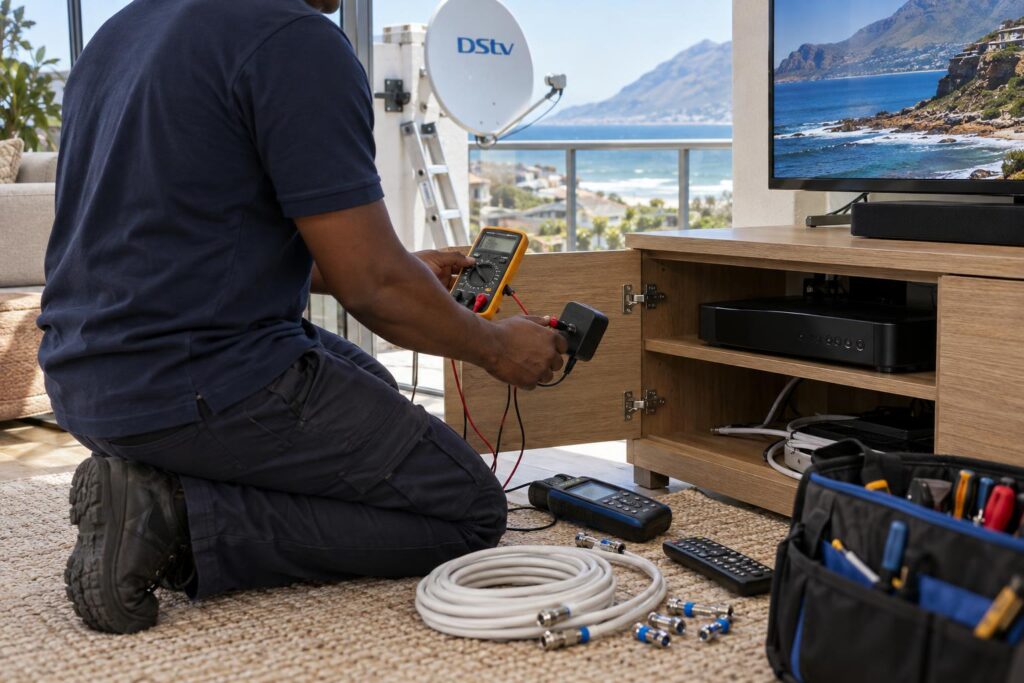
Please do not open the decoder yourself. Power supplies hold a charge even when unplugged, and opening the case can also void any warranty. Leave this part to a technician.
Your options, simply put
- Replace the power adapter. If your decoder uses a plug-in adapter and that adapter has failed, a matching replacement is often the quickest fix.
- Repair the decoder. Our team tests the power supply and board, then tells you if a repair makes sense. You can read more about our DStv repairs in Fish Hoek and what a visit covers.
- Replace the decoder. An older decoder that keeps failing may not be worth saving. This can be a good moment to move to a newer model.
If you decide to upgrade, compare the options first. Our guide to Explora and Explora Ultra prices sets out what each box offers and what installation involves.
An upgrade can also mean checking the dish. Explora decoders and most multi-room setups need a Smart LNB on the dish, and older LNBs along the coast are often worn by salt. Read when a Smart LNB needs replacing before you buy a new decoder.
What a decoder call-out costs in Fish Hoek
If your DStv decoder won't turn on after all the checks, a visit is the next step. We keep pricing simple and upfront. You know the cost before we start any work. Our standard prices for a visit are below.
| Service | Price | What is included |
|---|---|---|
| Repairs or call-out | From R550 | Diagnostic visit, signal testing, LNB or cable repair, dish realignment |
| Explora setup | From R2,200 | Explora or Explora Ultra installation and configuration |
Prices are estimates and depend on the job. Equipment, such as a new decoder or power adapter, is charged on top. We always explain the options before we replace anything.
We regularly work in Noordhoek, along the Kommetjie road, in Capri and in Sunnydale, so a visit outside town is routine. Call or WhatsApp our Fish Hoek DStv installers and tell us what the front light is doing, as that helps us bring the right parts.
How to protect your decoder from the next outage
A few small habits make it far less likely that your DStv decoder won't turn on after the next outage. Most of them cost little or nothing.
- Use a good surge protector. A proper surge plug costs far less than a new decoder. Replace it after a big surge, because the protection wears out.
- Give it air. Keep at least a hand's width of space above and around the decoder. Do not stack other devices on top.
- Dust the vents. Clean the slots with a soft dry brush every few months.
- Switch off when you go away. If you close up a holiday home, unplug the decoder at the wall.
- Restart gently after outages. Wait a few minutes after power returns before switching on.
Homes close to False Bay face salt air and damp all year. A dry, ventilated spot for the decoder adds years to its life. It also keeps the power supply cooler, and that is the part that fails most often.
Decoder still dead? We can help today.
Tell us what the front light is doing and we will advise on the phone, then send a technician if needed. Same day visits are often possible across Fish Hoek and the Far South.
Call 079 754 5527WhatsApp usBook onlineDStv decoder won't turn on: Fish Hoek FAQs
Why won't my DStv decoder turn on?
The most common cause is a power problem. That means a dead socket, a tripped multiplug, a loose plug or a failed power adapter. If all of these are fine, the power supply inside the decoder has usually failed.
Why is my DStv decoder showing a red light only?
A red light means the decoder has power but is in standby. Press the power button on the front of the decoder. If it still will not wake up, unplug it for 60 seconds and try again.
How do I fix a DStv decoder that won't turn on after load shedding?
Check the socket and bypass any surge plug or multiplug first. Then unplug the decoder for 60 seconds and switch it on with the front button. If there is still no light, the surge may have damaged the adapter or power supply.
Can a DStv decoder be repaired?
Yes, in many cases. A failed power adapter or power supply is a common fault and can often be replaced. We test the decoder first and tell you honestly whether repair or replacement makes more sense.
Why is my DStv decoder not responding to the remote?
If the decoder wakes up from its own button, the remote is the issue. Replace the batteries and test the remote with your phone camera. If you see no flash, the remote needs replacing.
What does it cost when a DStv decoder won't turn on in Fish Hoek?
Our repairs and call-out visits start from R550 for diagnosis and testing. Any parts, such as a new adapter or decoder, are charged on top. We explain the options and costs before we do any work.