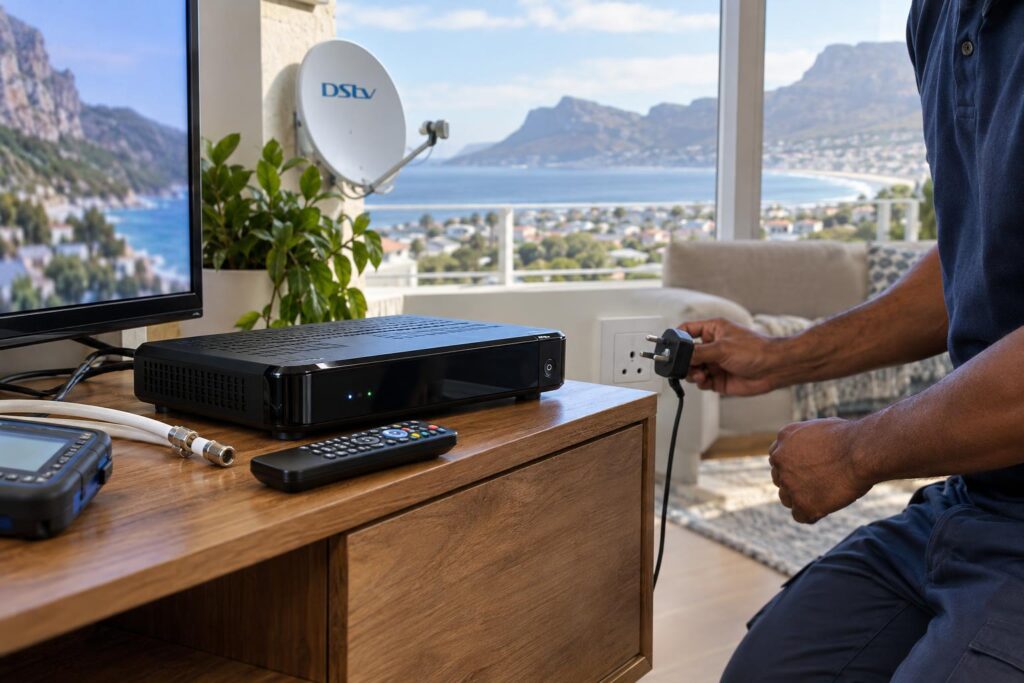
Quick answer: When DStv XtraView stops working, the main decoder usually still plays and only the second room goes dark. That points to a lost "heartbeat", the check signal the primary decoder sends to the secondary decoder. Make sure the primary decoder is switched on, check the cable between the decoders, then restart the primary first and the secondary second. If both rooms have no signal, the fault is at the dish, the LNB or the main cable, not XtraView.
Typing "DStv XtraView not working Fish Hoek" into your phone in the middle of a match is no fun. The good news is that most XtraView faults we see are simple. They have a clear cause and a clear fix. This guide clears up the common myths first, then gives you the facts, the local reasons it happens here and a checklist you can work through tonight.
Key points before you start
- XtraView links two or three decoders on one subscription. One decoder is the primary. The others are secondary.
- The secondary decoder only works while it keeps hearing the primary's heartbeat.
- If the primary is switched off or unplugged, the secondary stops showing channels. That is normal.
- Heartbeat faults and signal faults look similar but need different fixes.
- Most fixes need no tools. Just patience and the right order.
DStv XtraView not working? The myths we hear most
Every week we get calls that start with "the dish is broken" or "the new decoder is faulty". Often neither is true. Here are the myths we hear most, and what is really going on.
Myth 1: "The dish must have moved"
If the main lounge TV still shows channels, the dish is almost certainly fine. Both decoders get their picture from the same dish. A dish that has moved affects every room, not just one.
So when only the bedroom TV shows an XtraView message, leave the dish alone. Climbing onto a roof in Clovelly in a southeaster to "fix" a dish that is not broken is a risk for nothing.
Myth 2: "The second decoder is dead"
A secondary decoder that boots up, shows the menu and then complains about the primary is not dead. It is waiting. It needs the heartbeat before it will show channels again.
A dead decoder looks different. It shows no lights and no picture at all. If that is your problem, our guide on a decoder that won't turn on is the better place to start.
Myth 3: "A splitter would do the same job"
A cable splitter only copies one decoder's picture to a second TV. Both screens then show the same channel. It also weakens the signal to both rooms. XtraView is different, because each room watches its own channel.
The facts: how the XtraView heartbeat really works
DStv's own help pages explain that the primary decoder is the one that sends the "heartbeat" to the secondary decoders. The secondary decoders will not work if the primary is removed, switched off or the heartbeat stops reaching them for any reason.
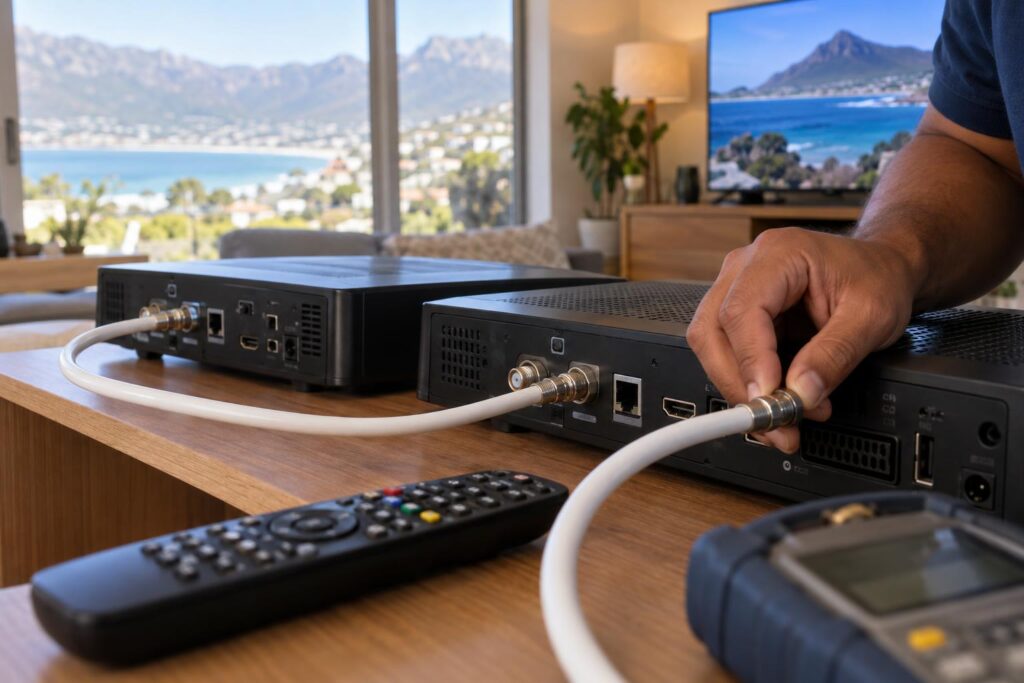
The same DStv help pages note that interference or cabling errors can also break the heartbeat. The primary decoder keeps working even when the link is broken. That is why one room is fine and the other is not.
Primary and secondary roles
According to DStv's XtraView information page, you can link two decoders from a range of models, including the HD Decoder, the PVRs and the Explora. To link three decoders, the primary must be a DStv Explora. All linked decoders share the same package. You cannot have one package in the lounge and a different one in the bedroom.
- The primary decoder sends the heartbeat.
- Each secondary decoder listens for it.
- The channels on every linked decoder are the same.
- BoxOffice rentals stay on the decoder that rented them.
Smart LNB setups and the heartbeat cable
DStv recommends a DStv Smart LNB with an 80cm dish for most XtraView installs. On these newer setups, the decoders talk to each other through the satellite cabling. On older setups, a separate cable runs from the primary decoder to the secondary decoder. Installers call this the "heartbeat cable".
Both types fail in the same basic ways: a loose plug, a damaged run or a decoder that lost power. If your system still uses an old twin LNB and you plan to upgrade, our guide on what a Smart LNB costs explains when the change is worth it.
Heartbeat error or signal fault? Read the screen first
The message on the screen tells you where to look. DStv's help notes say the secondary decoder shows a "Waiting for communication from Primary Decoder" message when the heartbeat is lost. That is very different from a no signal error.
| What you see | Most likely cause | Where to start |
|---|---|---|
| Primary works, secondary says it is waiting for the primary | Lost heartbeat | Primary power, cables between decoders, restart order |
| Both rooms show E48-32 or no signal | Dish, LNB or main cable | Dish alignment and outside connectors |
| Only some channels missing on all decoders | Account or package | DStv account and subscription status |
| Secondary has no lights at all | Power supply or decoder fault | Plug, wall socket, power unit |
If both rooms are out, XtraView is not your problem. Our article on the E48-32 error covers what to check when the whole house loses signal.
Why DStv XtraView stops working in Fish Hoek homes
Some causes are the same everywhere. Others are very much a South Peninsula story. These are the ones our team sees most between Kalk Bay and Simon's Town.
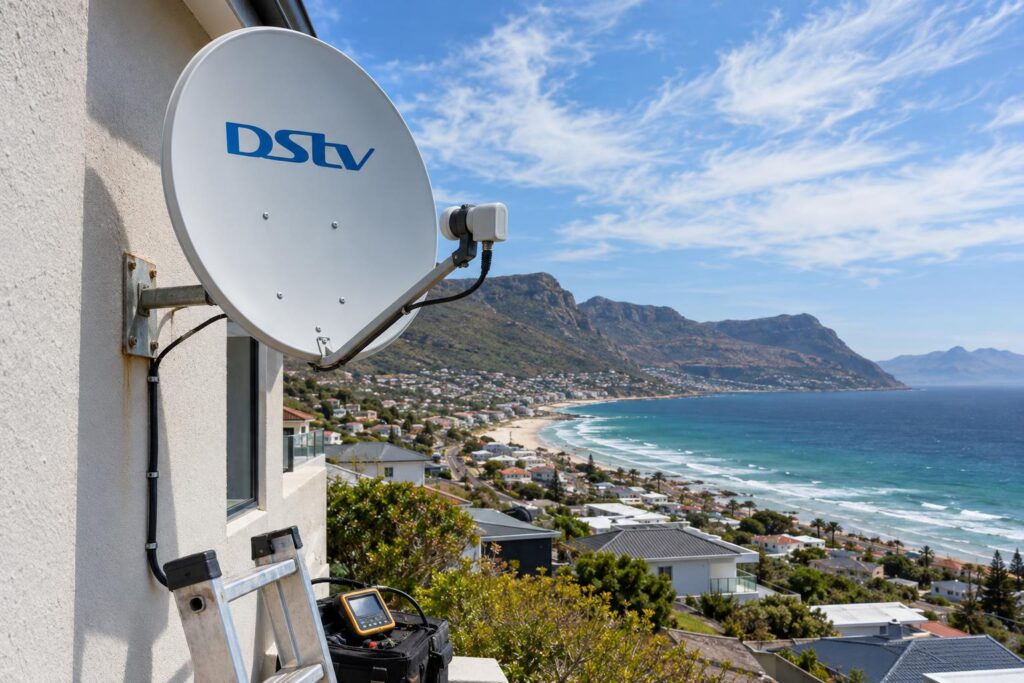
DStv XtraView not working after load shedding
Power cuts are the number one trigger. When the power comes back, both decoders boot at the same time. Sometimes the secondary finishes first and gives up waiting before the primary is ready. A surge can also damage a power supply or a decoder port.
A plug-in surge protector for each decoder is a cheap fix. Our DStv load shedding recovery guide covers the full start-up routine.
Salt air, damp and the southeaster
Homes close to False Bay, from the Fish Hoek beachfront to Glencairn, get salt mist most days. Salt eats into F-connectors and splitters. A connector that looks fine can carry a weak or broken link inside.
Wind is the other enemy. A cable flapping against a gutter in Sun Valley or on the Kommetjie road side of town wears through over a season. Inside the house, decoder cables get crushed behind cabinets and pulled loose when someone vacuums. Our explainer on decoder cables and connections shows what a healthy connection looks like.
DStv XtraView not working in holiday homes and complexes
Holiday homes in Glencairn and Noordhoek often sit empty for months. The decoders are switched off at the wall, so the link is never checked. Then the family arrives in December and the second room does not work.
In complexes in Sunnydale and Capri, a shared system or a move between units can cause the same problem. Moving a linked decoder to another unit breaks the link with its partner decoder.
Local tip: Before you close up a holiday home, take a photo of the back of each decoder. When you return, you can check every plug is back in the right port in under a minute.
Second room still dark?
Our local team fixes XtraView faults across Fish Hoek and the Far South, often on the same day. Send us a photo of the error on WhatsApp and we will tell you what we think it is.
Call 079 754 5527WhatsApp usBook onlineDStv XtraView not working: 7 fixes to try at home
Work through these in order. Stop as soon as the second room comes back. Each step takes a few minutes.
- Check the primary decoder. Make sure it is on and showing channels. If it is in standby for hours, wake it up.
- Check the power at the wall. Look for a tripped plug, a loose multi-plug or a switch someone turned off.
- Look at the cables. Follow the cables behind both decoders. Push each F-connector in and turn it finger tight. Do not force it.
- Check for damage. Look for kinks, crushed cable behind furniture or green rust on connectors. Replace a damaged fly lead rather than twisting wires together.
- Restart in the right order. Switch both decoders off at the wall. Turn on the primary first and wait until it shows a channel. Then turn on the secondary.
- Give it time. Leave both decoders on for a few minutes. The secondary needs to hear the heartbeat again before it shows a picture.
- Check your account. If the cables and power are fine, use DStv's self-service options or call DStv to confirm the XtraView link on your account is active.
Avoid a factory reset unless DStv asks you to do one. A reset wipes settings and seldom fixes a broken link. Also avoid swapping the primary and secondary roles in the menus. It often creates a second problem.
When a DStv XtraView fault needs a technician
If you have done all seven steps and the second room is still dark, the fault is probably hidden. It may sit inside a wall, in the roof or at the LNB. That is where a proper test helps.
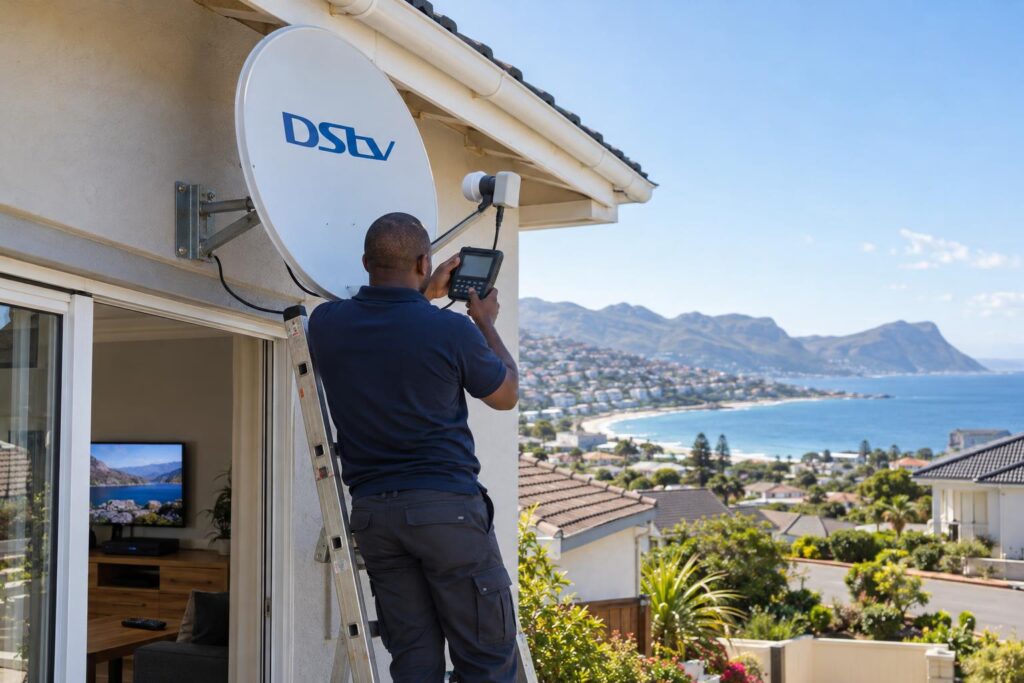
Call our team if any of these sound familiar:
- The heartbeat drops every few days and comes back on its own.
- The fault started after building work, painting or a new TV cabinet.
- You replaced a decoder and the new one will not link.
- The cables run through the roof and you cannot see them.
- Your system was never stable from the day it was installed.
What we check on a callout
We test the signal at the dish and at each decoder, so we know where it drops. We check every connector and replace corroded ones with weather-sealed fittings. Then we confirm the heartbeat works in every room before we leave. Our DStv signal repairs service covers the dish, LNB and cabling side of the job.
If the setup itself is the problem, our professional XtraView setup service relinks the decoders properly, fits a Smart LNB if needed and tests each room.
Homeowners who book DStv installation in Fish Hoek with us get this testing done on every multi-room job.
Is XtraView still the right choice?
Some families find they only use the second room now and then. Others want more rooms. Our comparison of Dual View versus XtraView helps you decide which setup suits your household before you spend money on new decoders.
Checklist: keep DStv XtraView working all year
A few small habits stop most heartbeat faults before they start. This is the same advice our Fish Hoek DStv installers give every family after a multi-room job.
- Leave the primary decoder plugged in, even when you are away for the weekend.
- Fit a surge protector on each decoder.
- Keep cables out of the way of cabinet doors, chairs and the vacuum.
- Photograph the back of each decoder so you can rebuild the connections.
- Check outside connectors for rust once a year, especially near the beach.
- Never move a linked decoder to another house or unit without asking DStv first.
If you follow this list, the second room should keep working from one season to the next. And if it does not, you now know exactly what to tell the technician.
Want it fixed properly, once?
We cover Fish Hoek, Clovelly, Kalk Bay, Glencairn, Simon's Town and Noordhoek. Tell us your decoder models and the message on screen, and we will come prepared.
Call 079 754 5527WhatsApp usBook onlineDStv XtraView not working: common questions
Why is my DStv XtraView not working when the main TV is fine?
The secondary decoder has lost the heartbeat from the primary decoder. This usually happens because the primary was switched off, a cable came loose or the power came back in the wrong order. Restart the primary first, then the secondary.
What is the heartbeat cable on DStv?
On older XtraView setups, the heartbeat cable is the cable that runs from the primary decoder to the secondary decoder. It carries the check signal that keeps the secondary decoder working. On Smart LNB setups, the decoders communicate through the satellite cabling instead.
Can I switch off the main decoder when I use XtraView?
Leave it on. DStv says the secondary decoder will not work if the primary decoder is switched off or removed. Standby is fine, but do not switch it off at the wall.
Is DStv XtraView not working after load shedding a common problem?
Yes, it is one of the most common causes we see. Both decoders start up at once and the secondary can stop waiting before the primary is ready. Switch both off, start the primary first, then start the secondary.
Can I have different packages on my XtraView decoders?
No. DStv's own XtraView information says all linked decoders must have the same package. Every room gets the same channels.
How many decoders can I link with XtraView?
You can link two or three decoders on one subscription. If you link three, the primary decoder must be a DStv Explora.