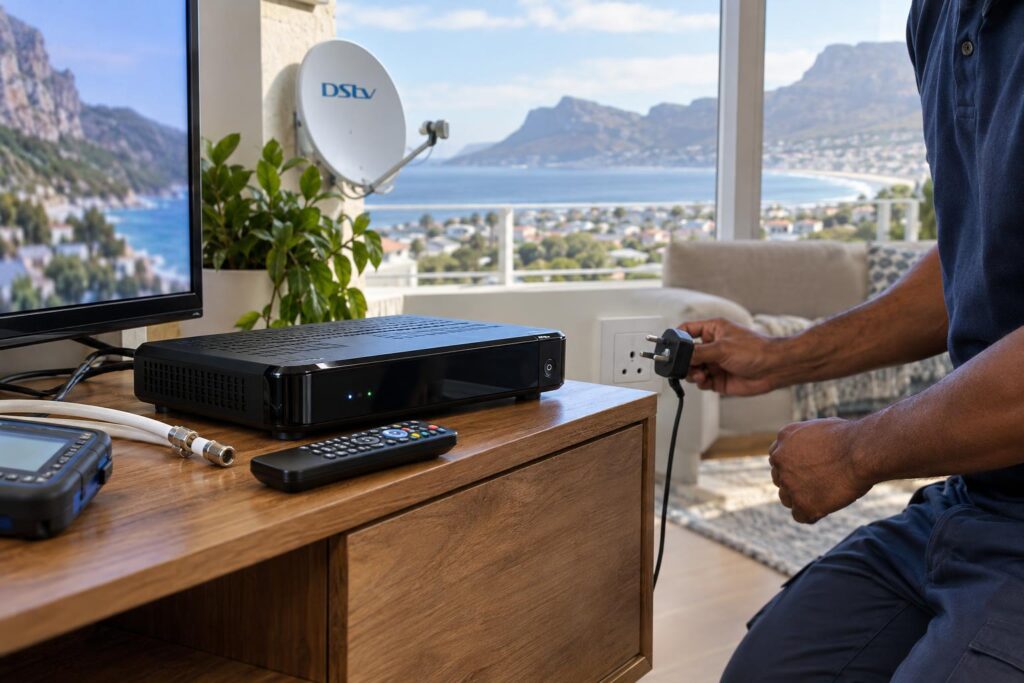
Quick answer: Most cases of DStv Catch Up not working Fish Hoek homes call us about are an internet problem, not a dish problem. Check that the decoder is online and that Connected Services are switched on. Then restart the decoder and the router at the wall. If live channels are down too, the fault is on the satellite side instead.
You press the Catch Up button and get a blank list, a spinning wheel or an error message. Live TV plays perfectly. The show you wanted is right there in the menu, but it simply will not start.
We sort out DStv Catch Up not working in homes from Clovelly to Simon's Town every week. Most Catch Up faults can be fixed at home in a few minutes, without a ladder and without a new decoder.
DStv Catch Up not working: key points
- Catch Up Plus and streaming come over your internet, not your dish.
- A decoder can show live TV while being completely offline.
- Connected Services are switched off by default and must be turned on.
- What you can watch depends on your DStv package.
- A full restart of the decoder and router fixes a large share of faults.
DStv Catch Up not working? First find out which side has failed
Your decoder gets its content in two ways. Live channels come down from the satellite through your dish. The bigger Catch Up Plus library, Box Sets and streaming come in over your home internet.
On an Explora, some Catch Up titles are also downloaded to the decoder in the background. That is why part of the menu can still show titles when the internet is down, but the extra titles will not play.
Live TV works, but Catch Up does not
This is the most common pattern of DStv Catch Up not working. The dish is doing its job. The fault sits somewhere between the decoder, your router and DStv.
- The decoder has lost its WiFi or network cable connection.
- The router is on, but the internet line behind it is down.
- Connected Services were switched off after an update or reset.
- Your package does not include the title you want.
Live TV and Catch Up have both stopped
When live channels are also gone, start with the satellite side. Our E48-32 error guide explains the signal error most people see after wind or rain.
| What you see | Likely cause | First thing to try |
|---|---|---|
| Catch Up list loads, titles will not play | Decoder offline or slow internet | Run the Connectivity Checker |
| Catch Up starts, then buffers and stops | Weak WiFi at the TV or busy line | Pause other streaming, test WiFi at the TV |
| Some shows missing from Catch Up | Package or title rights | Check what your package includes |
| Catch Up empty after a new install | Content still downloading | Leave the decoder on and wait |
| No live TV and no Catch Up | Dish, LNB or cable fault | Check for an E48-32 message |
Common causes of DStv Catch Up not working
In our experience, nearly every case of DStv Catch Up not working comes down to one of six causes. Read them first, because the cause decides the fix.
The decoder dropped off your network
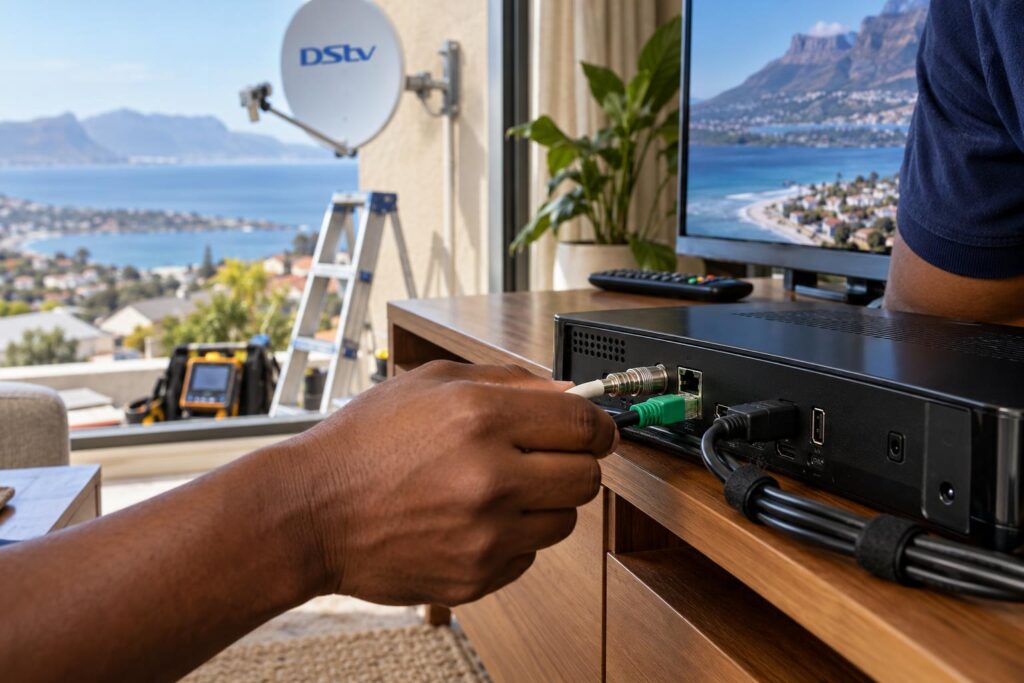
Decoders lose their network quietly, and this is the top reason for DStv Catch Up not working. There is no warning on screen until you open something that needs the internet.
The usual trigger is a change at the router. A new fibre router, a new WiFi password or a provider swap will all leave the decoder trying to connect to a network that no longer exists.
Connected Services are switched off
DStv ships the Explora with Connected Services set to Off. A software update or a reset can also put them back to Off. If they are off, Catch Up Plus will not work even with perfect internet.
Weak WiFi at the TV point
Your phone may show full bars in the kitchen while the lounge TV sits behind two thick brick walls. A decoder has no way to move closer to the router, so it struggles first.
Your package or account changed
Catch Up content is tied to your package. After a downgrade, titles you watched last month can disappear, and it looks like a fault. Our guide to DStv packages and prices shows what each package offers.
A suspended account can also take a little longer to get connected features back than live channels after you pay.
Power cuts and load shedding
Many homes keep the decoder and TV on backup power, but not the router or fibre box. Live TV carries on during the outage while Catch Up goes dead. After the power returns, the router may also take several minutes to come back. Our article on decoder recovery after load shedding covers the safe start-up order.
A brand new decoder or installation
DStv's own guide says there are no Catch Up titles when an Explora is first installed. Content starts downloading once the install is complete, so a new decoder needs time before the list fills up.
How to fix DStv Catch Up not working on an Explora: 7 steps
Work through these steps in order whenever you find DStv Catch Up not working. Stop as soon as Catch Up plays. Each step takes a minute or two.
- Confirm live TV works. If live channels are fine, leave the dish alone. The fault is on the internet side.
- Run the Connectivity Checker. Press the Help button on the remote, choose Tools, then Connectivity Checker. You want green ticks next to both the router connection and the internet connection.
- Test the internet at the TV. Stand next to the TV with your phone on the same WiFi, mobile data off. If web pages crawl there, the decoder is struggling too.
- Restart both boxes at the wall. Switch the decoder off at the plug, not just to standby. Restart the router as well, wait until its lights settle, then power the decoder back on.
- Switch on Connected Services. Press the blue DStv button, go to Settings, then User Preferences, then Connected Services. Turn on the services you want and press Back to save.
- Reconnect to WiFi if the network changed. Rejoin your current network and type the new password carefully.
- Check your account. Make sure the account is active and your package includes the title. If it was just reactivated, give it some time and try again.
If the router or password changed recently, step six is usually the answer. Our guide on how to connect your Explora to WiFi walks through the Ethernet cable, the built-in WiFi on the Explora Ultra and the DStv WiFi Connector.
A loose plug can also fool you. A network cable that has slipped out of the green Ethernet port looks connected from the front. Our guide to DStv decoder cables and connections shows which plug goes where.
Local tip: Do not jump to a factory reset when you find DStv Catch Up not working. It clears your settings and you will need to set the decoder up again, and it rarely fixes a Catch Up fault that a proper restart did not.
Still stuck after all seven steps?
Our technicians test the decoder, the network and the WiFi at your TV point, and fix the real cause in one visit.
Call 079 754 5527WhatsApp usBook onlineCatch Up Plus internet speed and data: what your Explora needs
Catch Up Plus does not need a fast line as much as a steady one. A connection that peaks high but drops every few minutes will stutter far more than a slower line that holds.
These are the minimum speeds DStv lists in its official guide to connecting your Explora:
| What you are doing | Minimum speed DStv recommends |
|---|---|
| Downloads and remote recording | 2Mbps |
| Standard definition viewing | 4Mbps |
| High definition viewing | 10Mbps |
DStv also asks for an unlimited internet connection, and data charges apply when you use Connected Services. On a capped or mobile data line, you will find DStv Catch Up not working the day the data runs out.
Things that quietly slow Catch Up down:
- Several people streaming or gaming at the same time.
- A cheap plug-in extender repeating a signal that was already weak.
- A router tucked inside a cupboard or behind the TV.
- Evening peak time on a busy line.
If your family relies on Catch Up every night, a cable to the TV point is the fix that lasts. Our WiFi and network installation service runs neat network cable or places an access point where the signal is needed.
DStv Catch Up not working on the app or smart TV
The same Catch Up shows are also available on the DStv Stream app. App problems have their own causes, separate from the decoder.
DStv Catch Up not working on your phone or tablet
- Update the app to the latest version.
- Log out, then log back in with the same account that pays for DStv.
- Switch off any VPN, because DStv blocks playback it cannot place in a DStv country.
- Try mobile data instead of WiFi to see if your home line is the problem.
On a smart TV or streaming box
Check for a TV software update first. Then close the app fully and open it again. If the app works on your phone but not on the TV, the TV's WiFi is the weak link, not your account.
If the app works on every device while the decoder will not play Catch Up, the problem is the decoder's connection. Go back to the seven steps above.
Why Catch Up drops more often in Fish Hoek and the Far South
The local conditions explain a lot of the DStv Catch Up not working calls we get.
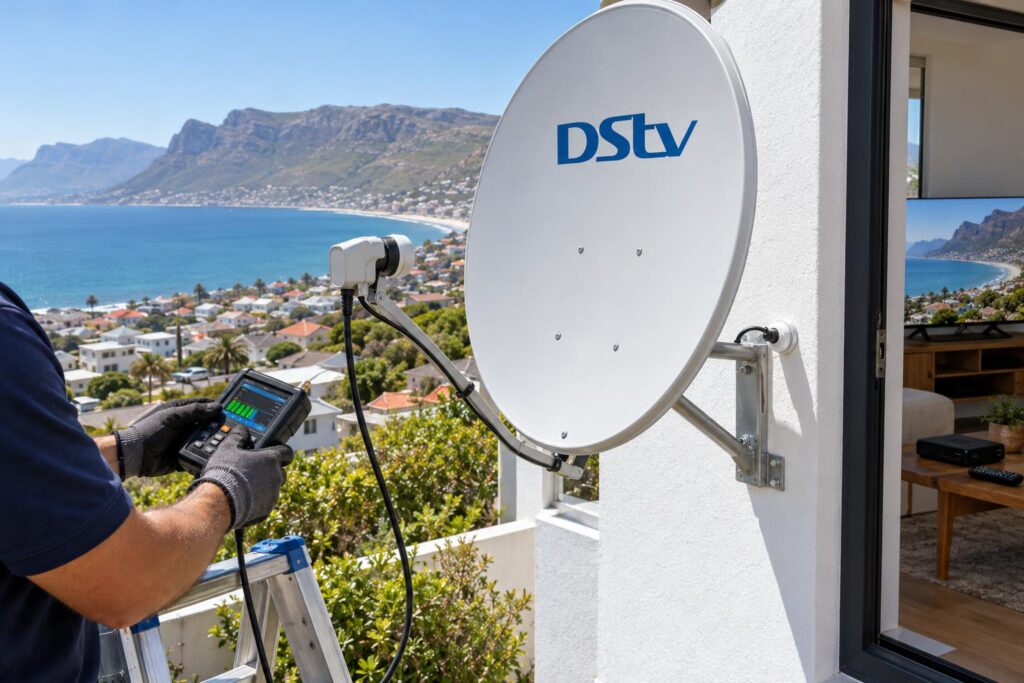
Older houses in central Fish Hoek and the Kalk Bay cottages have thick brick and stone walls that block WiFi. Long single-storey homes in Noordhoek often have the router at one end and the main TV at the other.
In Sun Valley and Sunnydale complexes, the fibre box is often in a garage or passage, far from the lounge. Holiday homes in Glencairn and Simon's Town have a different problem. The decoder sits unused for months, the router contract lapses or the WiFi password changes between guests, and Catch Up fails on the first night of the holiday.
Salt air from False Bay also matters for the live side. Corroded connectors and cables near the dish cause signal faults that people sometimes blame on Catch Up. For anything from a new dish to a full rewire, our team handles DStv installation in Fish Hoek and the rest of the South Peninsula.
When to call our team about Catch Up problems
Some cases of DStv Catch Up not working are worth handing over. Call us if any of these sound familiar:
- The Connectivity Checker fails even though your internet works everywhere else.
- Catch Up works near the router but never at the TV you actually use.
- The decoder keeps dropping off WiFi every few days.
- Live TV breaks up in wind or rain as well.
- You want a cable run to the TV without holes and loose wires.
Our Fish Hoek DStv installers test the decoder, the network and the signal on site. We cover the whole Far South, from Kommetjie road to the Simon's Town side of False Bay.
If your old decoder is the weak link, our DStv Explora installation service sets up a new Explora or Explora Ultra, connects it to your network and switches on Connected Services before we leave.
We explain what we found in plain language, and we only recommend new equipment when the old equipment is really the problem.
Want Catch Up working tonight?
Send us a WhatsApp with your decoder model and what you see on screen. We will tell you the likely fix and book a visit if you need one.
Call 079 754 5527WhatsApp usBook onlineDStv Catch Up not working: Fish Hoek questions answered
Why is DStv Catch Up not working on my Explora?
The most common reason is that the Explora has lost its internet connection while live TV keeps playing. Run the Connectivity Checker from the Help menu, restart the decoder and router at the wall, and make sure Connected Services are on. If DStv Catch Up is still not working, check whether your package or account changed.
Does DStv Catch Up need internet?
Catch Up Plus, Box Sets and the DStv Stream app all need an internet connection. An Explora can also store some Catch Up titles downloaded in the background. Without the internet, you will find DStv Catch Up not working for most titles.
Why is DStv Catch Up not showing all the shows?
Catch Up content depends on your DStv package, so a downgrade removes titles. Titles are also added and removed over time as rights change. If Connected Services are off, you will only see part of the list.
Does DStv Catch Up cost extra?
Catch Up is available on selected DStv packages, so what you get depends on your package. Streaming and downloading use your internet data, and DStv recommends an uncapped line. A slow or capped line is often the real cost.
Can I watch DStv Catch Up on my phone?
Yes. Log in to the DStv Stream app with the account that pays for your subscription. Keep the app updated and switch off any VPN, because DStv blocks playback it cannot place in a DStv country.
Is DStv Catch Up down today or is it my decoder?
When you find DStv Catch Up not working on the decoder, try the same show on the DStv Stream app on your phone. If the app fails too, the problem may be on the DStv side, so wait and try again later. If the app works but the decoder does not, the fault is your decoder's connection.