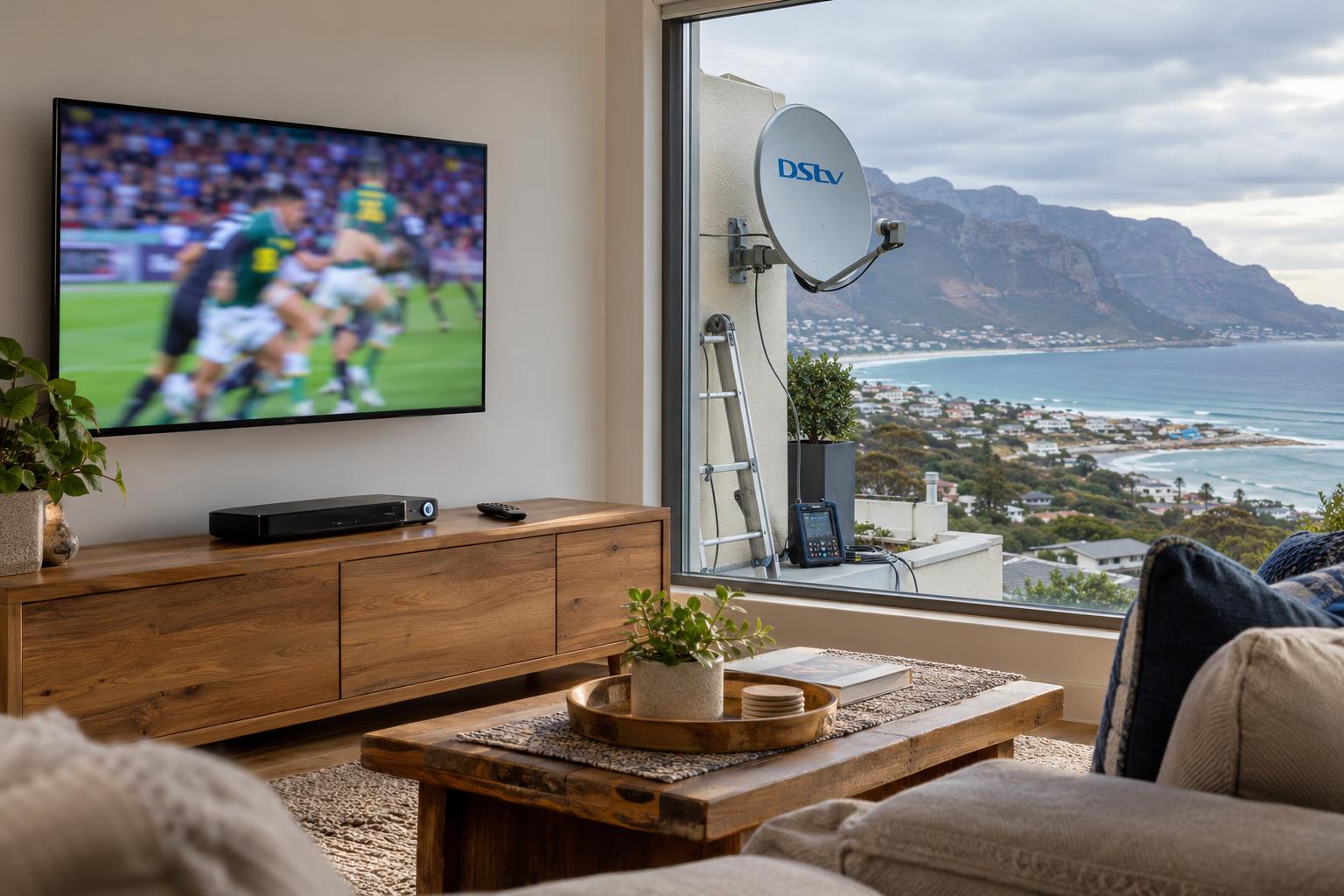
Quick answer: DStv Dual View was an older decoder with two tuners that fed two TVs from one box. It is no longer sold, and today the same result comes from XtraView. XtraView links a primary decoder with up to two extra decoders on one subscription, plus a monthly access fee. For most Fish Hoek families, an Explora as primary with an HD decoder in the second room is the right choice.
Most DStv Dual View Fish Hoek questions we get start on a wet winter Saturday. The rugby is on in the lounge. The kids want cartoons in the bedroom. Somebody remembers a neighbour had "Dual View" years ago, and the search begins.
This guide explains what Dual View was, what replaced it, and which setup makes sense for your home. We also cover the local things that decide whether a two-room system keeps working: wind, salt air, power cuts and long cable runs.
Key points before you buy anything
- DStv Dual View decoders are no longer sold. XtraView is the current way to watch different channels in different rooms.
- You need one decoder per TV that must show its own channel.
- Linked decoders share one subscription and pay a monthly access fee, not a second full package.
- A cable splitter on its own will not give you two independent channels.
- Your LNB and cabling matter as much as the decoders.
A Fish Hoek Saturday: why families ask about DStv Dual View
Fish Hoek homes are full of people who like different things on TV. One person wants live sport. Another wants a series. A grandparent in the flatlet wants the news at seven.
For years the answer was a single decoder that could run two TVs. That box was called DStv Dual View. Many homes in Clovelly, Sun Valley and Sunnydale still have the old dish and wiring from that time.
The good news is that two-room viewing is still easy to get. It just works differently now. Once you know how, choosing the right setup takes a few minutes, not a weekend of guessing.
What DStv Dual View was, and what replaced it
The DStv Dual View decoder had two tuners inside one box. One tuner fed the main TV. The second tuner fed another TV, usually through a long cable to a bedroom.
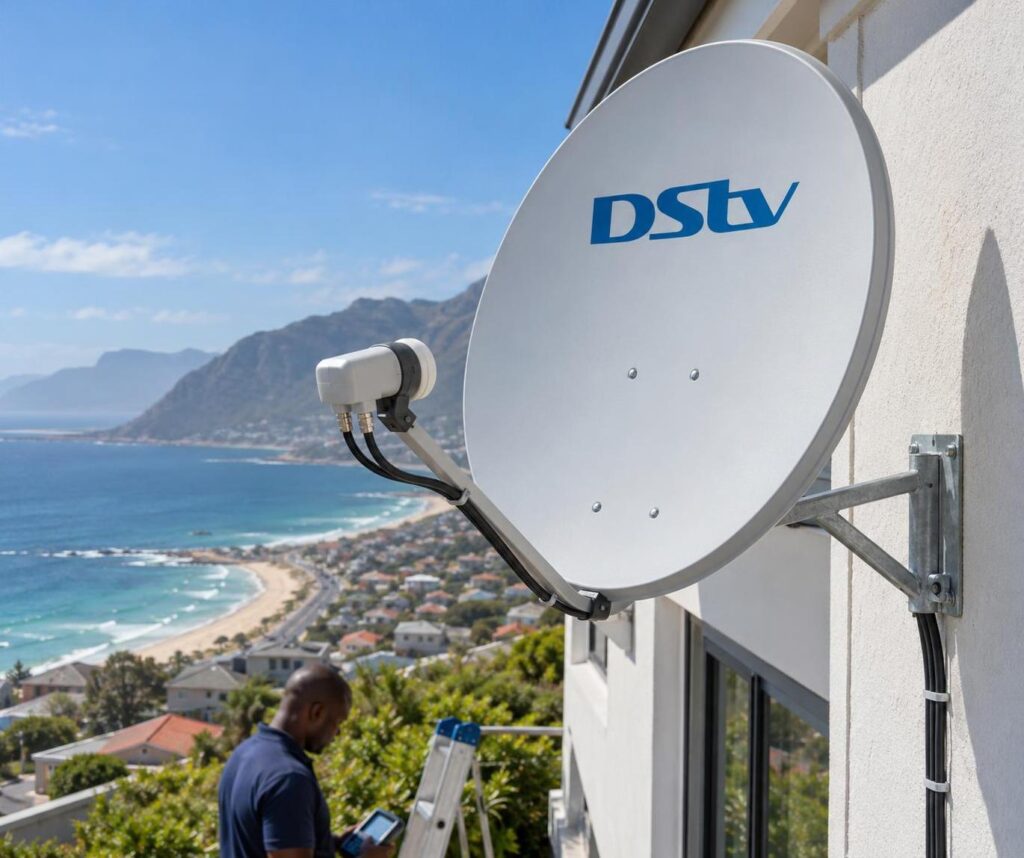
The old Dual View decoder
Dual View needed a twin LNB on the dish, with two cables running down to the decoder. When it worked, two people could watch two different channels from one box.
DStv Dual View decoders are old now. They are no longer sold, and they do not join an XtraView pair with current decoders. If yours still works, enjoy it. When it fails, the replacement is a pair of linked decoders.
Why the name still shows up in searches
People still type "dual view decoder" because the idea stuck. What they want is simple: two TVs, two channels, one account. Today that is called XtraView, also written as Extra View. When a family asks us for DStv Dual View now, XtraView is what we set up.
How XtraView works in a Fish Hoek home
XtraView links separate decoders so they share one subscription. Each TV gets its own decoder, so each room can watch something different at the same time.
Primary and secondary decoders
One decoder is the primary. It carries the subscription. Up to two more decoders link to it as secondaries.
The secondaries show the same channels as your package. They do not get a separate bouquet. If the account is suspended, every linked TV goes off together.
XtraView is meant for decoders in the same home. It is not a way to split one subscription between your house in Noordhoek and a cottage in Kalk Bay.
The heartbeat and the Smart LNB
Linked decoders talk to each other all the time. We call this the heartbeat. If the secondary stops hearing from the primary, it shows an error and stops playing channels.
On older setups, a separate heartbeat cable connects the decoders. On most new setups, a Smart LNB carries that signal over the satellite cable instead. Our guide to the DStv Smart LNB price explains when a home needs one.
The primary must stay connected and powered for the heartbeat to work. This is the one rule we repeat to every family after a DStv installation in Fish Hoek.
DStv Dual View vs XtraView: side by side
Here is how the old system compares with the current one. The table shows what changes for you day to day.
| Feature | Old Dual View decoder | XtraView today |
|---|---|---|
| Boxes needed | One decoder for two TVs | One decoder per TV, up to three linked |
| Different channels per room | Yes, two rooms | Yes, up to three rooms |
| Subscription | One account | One account plus a monthly access fee |
| Recording | Depended on the model | Yes on an Explora, not on a basic HD decoder |
| Dish equipment | Twin LNB, two cables | Usually a Smart LNB, cable to each decoder |
| Still sold | No | Yes |
The biggest practical difference is the third room. Dual View stopped at two TVs. XtraView lets a family add a third decoder later, as long as the cabling allows it.
Your options for a second TV in Fish Hoek
There is more than one way to get DStv onto a second screen. Each option suits a different household, so it helps to match the setup to how your family actually watches.
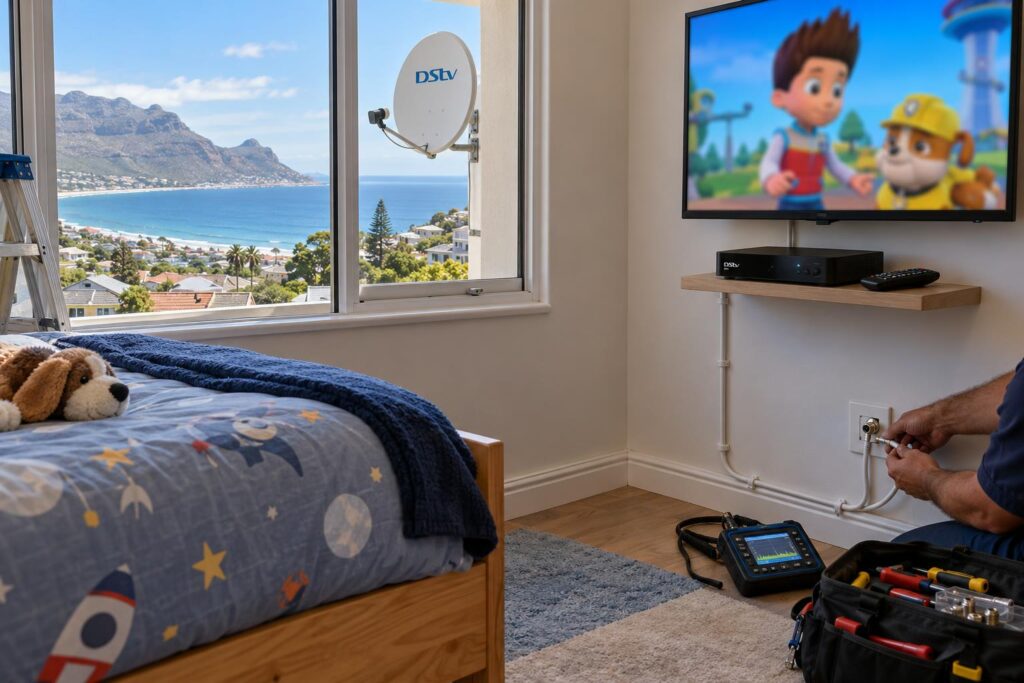
Option 1: Mirror the same channel
You can send the picture from one decoder to a second TV. Both screens then show the same channel, and only one remote controls it.
This suits a patio TV or a kitchen screen where you just want the match playing everywhere. It does not solve the "I want my own channel" problem.
Option 2: XtraView with an Explora as primary
This is the modern DStv Dual View setup we fit most often. An Explora or Explora Ultra sits in the lounge as primary. An HD decoder sits in the bedroom as secondary.
The lounge gets recording, pause and Catch Up. The bedroom gets its own live channels. Our Explora installation in Fish Hoek includes setting up the box as a primary from day one.
If you already own two decoders, we check they can be linked before you spend anything else. Our XtraView setup service covers the linking, the cabling and a test in every room.
Option 3: Two separate subscriptions
Some homes really are two households. A granny flat with its own tenant is the usual example. Separate accounts cost more, but each side pays its own bill and has its own package.
Not sure which option fits your home?
Send us a photo of your dish and decoders on WhatsApp. We will tell you what can be reused and what you need for a second room.
Call 079 754 5527WhatsApp usBook onlineWhat a DStv Dual View setup costs in Fish Hoek
A DStv Dual View setup has two separate costs. The first is the monthly side: your package plus the XtraView access fee. The second is the once-off side: decoders, LNB, cable and labour.
Monthly costs
The access fee is far less than a second full subscription. Package names and prices changed in 2026, so check the current fee on your DStv account before you decide. Our guide to DStv packages and prices shows which tier suits a busy family.
Once-off installation costs
The installation price depends on what is already in the house. These are the things that move the number most:
- If your dish already has a Smart LNB or still runs an old twin LNB.
- How far the second room is from the dish and the main decoder.
- If cable can run through the ceiling or must go along outside walls.
- How many decoders you already own, and whether they can be linked.
- If a new TV point or wall mount is needed in the extra room.
We explain each of these in our article on DStv installation cost in Fish Hoek. We always quote the job after seeing it, so there are no surprises on the day.
Local conditions that affect a dual view decoder setup
Two-room systems have more connectors, more cable and more ways to fail. Fish Hoek and the rest of the South Peninsula add a few challenges of their own.
Southeaster and dish movement
A strong summer southeaster can nudge a loose dish off target. When signal drops, both rooms lose channels together. A solid bracket and correct alignment matter more when two or three decoders depend on one dish.
Salt air on connectors
Homes near False Bay, from Glencairn to Simon's Town, see fast corrosion on outdoor fittings. A corroded connector can pass satellite signal but break the heartbeat. That is why we seal every outdoor joint on a linked system.
Power cuts and heartbeat errors
When power returns, the decoders do not always find each other straight away. The secondary may show an error until the primary is fully back on. Our guide to decoder recovery after load shedding lists the simple restart order that fixes most cases.
If the error stays, the cause is usually a cable or a connector. Our article on XtraView heartbeat errors covers the checks to try first.
Local tip: In holiday homes and rentals, label the primary decoder clearly. Guests often switch it off at the wall, and then the second room stops working until someone turns it back on.
Complexes along the Kommetjie road and in Capri often use a shared dish system. Linking decoders there may need the body corporate's input. Our Fish Hoek DStv installers check the shared equipment before promising anything.
Your DStv Dual View checklist before you book
A few minutes of checking saves a second visit. Work through these steps before you call any installer.
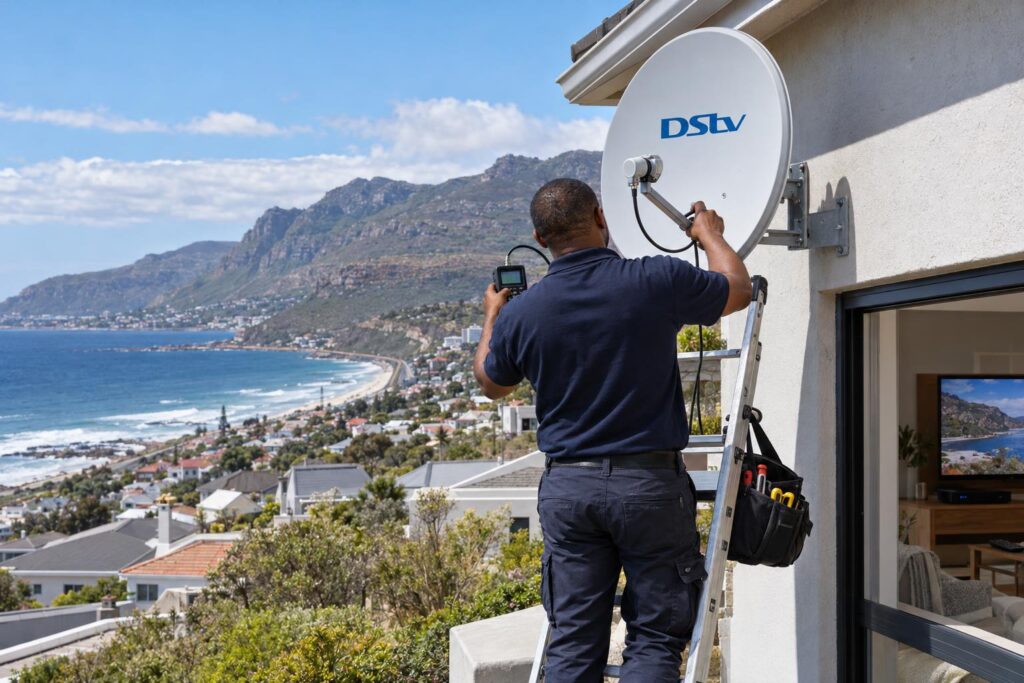
- Count the TVs that must show their own channel. That is the number of decoders you need.
- Write down the model of each decoder you own. The model is on a sticker under the box.
- Look at the dish arm. Note how many cables come out of the LNB.
- Decide which room gets the primary. This is usually the lounge, where recording matters most.
- Check where the second TV will hang, and how cable could reach it.
- Log into your DStv account and check your package and any current fees.
- Take photos of the dish, the decoders and the back of the main TV.
Our guide to decoder cables helps if you are not sure which cable is which. Official help topics and account tools are on the DStv help and FAQ pages.
With that list in hand, we can usually tell you in one short call if your current gear can run DStv Dual View style viewing or whether something must change.
Ready for different channels in different rooms?
We link decoders, fit Smart LNBs and run neat cable across Fish Hoek and the Far South. Every room is tested before we leave.
Call 079 754 5527WhatsApp usBook onlineDStv Dual View Fish Hoek FAQ
Is DStv Dual View the same as XtraView?
Not exactly. Dual View was an older single decoder with two tuners that fed two TVs. XtraView links separate decoders on one subscription. Today XtraView is the way to get the same result.
Can I still buy a DStv Dual View decoder?
No, Dual View decoders are no longer sold. For two or three rooms with their own channels, you need linked decoders on XtraView. An Explora as primary with an HD decoder as secondary is the usual choice.
How does DStv Dual View work with one subscription?
With XtraView, the primary decoder holds the subscription and up to two secondary decoders link to it. You pay your package plus a monthly access fee for the linking. The decoders must stay connected to keep working.
Why is my DStv Dual View not working after a power cut?
The linked decoders have usually lost contact with each other. Switch the primary on first, wait for it to start fully, then restart the secondary. If the error stays, a cable or connector is the likely cause.
Can one decoder show different channels on two TVs?
A current single decoder can only send the same channel to a second TV. For a different channel in each room, each TV needs its own decoder. That is what XtraView is for.
Do I need a new dish for a second decoder?
Usually not. The dish itself is often fine if it is the right size and well aligned. The LNB and the cabling are what normally need changing.