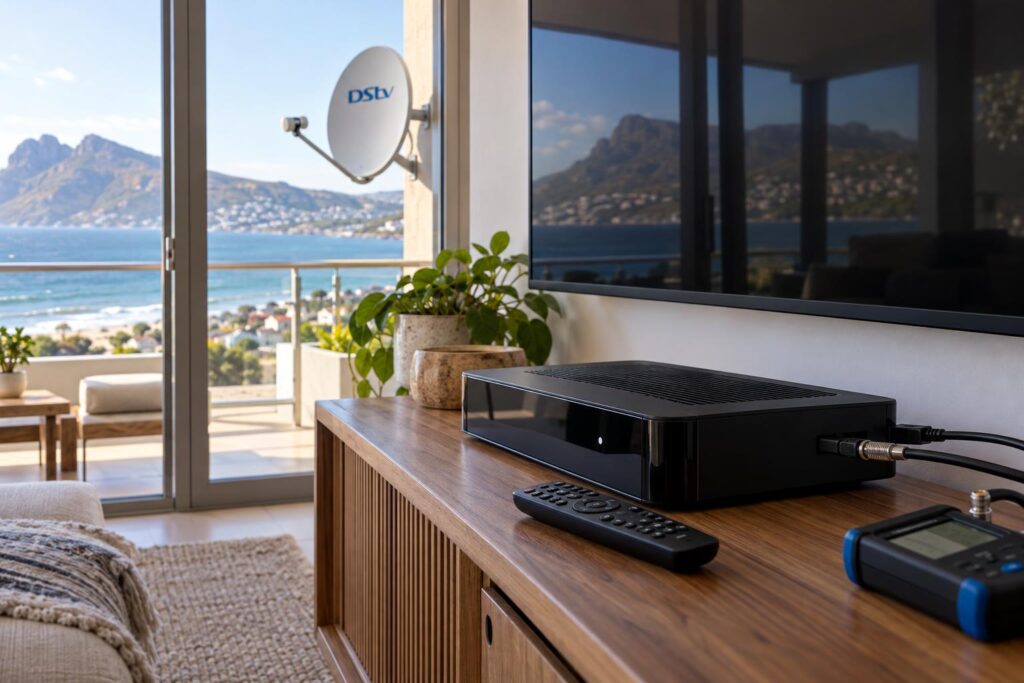
Quick answer: In the Explora vs Explora Ultra choice, the standard Explora suits homes that mainly watch DStv channels and record shows. The Explora Ultra adds 4K, built-in WiFi and apps like Netflix, Showmax and YouTube in one box. If you stream every week and have a 4K TV and steady fibre, the Ultra is worth it. If not, save the money and get the Explora.
Explora vs Explora Ultra is the question we hear most when a Fish Hoek family is ready to upgrade an old decoder. Both boxes record, pause and rewind live TV. The real difference is how much your household streams, what TV you own and how good your internet is. This buyer's guide starts with the decision, then compares the two side by side, covers the cost, explains the install and ends with the mistakes we see most often.
Explora vs Explora Ultra: the short decision for Fish Hoek homes
Most homes can settle Explora vs Explora Ultra in two minutes. Look at how you actually watch TV in the evening, not how you think you might watch it one day.
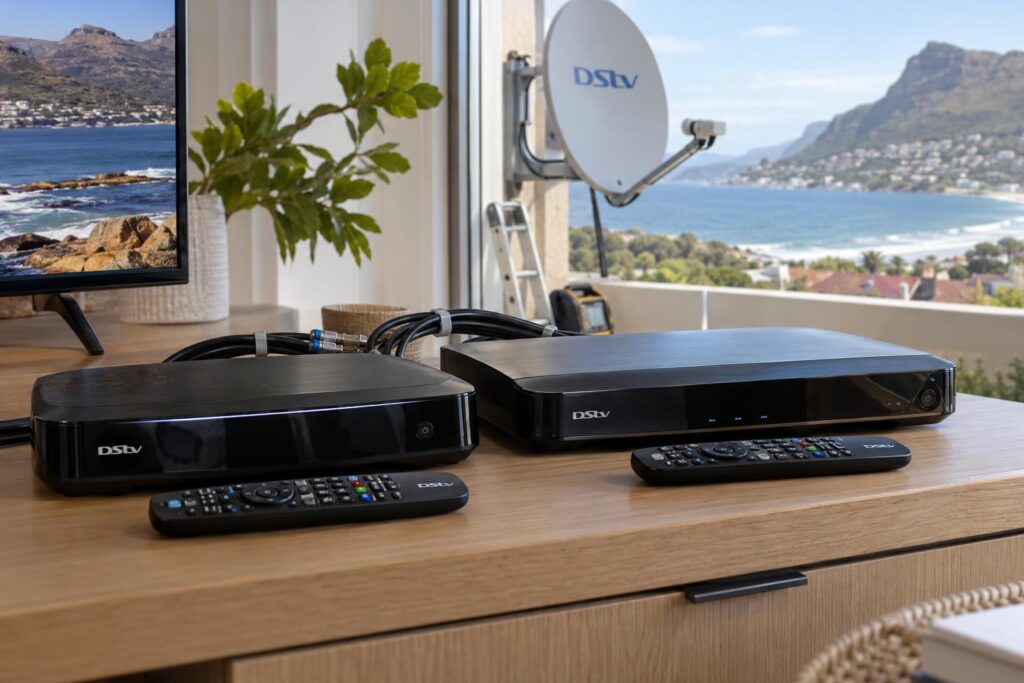
Choose the standard Explora if
- You mostly watch live DStv channels, sport and the news.
- You record a few series and like to pause live TV.
- Your TV is a Full HD set, not a 4K screen.
- You already stream on a smart TV or a separate streaming stick.
Choose the Explora Ultra if
- You have a 4K TV and want the sharpest picture DStv offers.
- You want DStv, Netflix, Showmax and YouTube on one remote.
- Your home has fibre or stable fixed internet near the TV.
- You want Dolby Atmos sound through a compatible soundbar.
In retirement homes in Sun Valley and Sunnydale, we often fit the standard Explora because it is simple and does the job. In Clovelly and Capri, where many families stream as much as they watch satellite, the Ultra usually makes more sense. If you are still unsure, our Fish Hoek DStv installers can look at your TV and internet and give you an honest answer.
Explora vs Explora Ultra: key points before you buy
- Both decoders record, pause and rewind live TV and give you Catch Up.
- Only the Ultra gives you 4K, HDR and a full app menu with Netflix and YouTube.
- 4K only helps if your TV is 4K and the content is made in 4K.
- Recordings stay on the old decoder. They do not move to a new one.
- A neat install with sealed cabling matters more than the box in our salty air.
Explora vs Explora Ultra side by side
Here is Explora vs Explora Ultra in one table, using the current standard model, the Explora 3B. We have only listed features confirmed by DStv and large retailers.
| Feature | Explora (3B) | Explora Ultra |
|---|---|---|
| Record, pause and rewind live TV | Yes | Yes |
| Catch Up and BoxOffice | Yes, with internet | Yes, with internet |
| Picture | Full HD (1080p) | HD, 4K and HDR |
| Dolby Atmos sound | Not listed for the 3B | Yes, with a compatible soundbar or amp |
| Built-in WiFi | Check your model | Yes |
| Streaming apps | Showmax | Showmax, Netflix, YouTube and other apps |
| XtraView primary decoder | Yes | Yes |
| Best for | Channel watchers and recorders | Streaming families with a 4K TV |
What both decoders do well
Both are proper recording decoders. You can record one show while you watch another, set a series to record every week and skip the adverts later. Both can also be the main decoder in an XtraView setup.
Where the Ultra pulls ahead
The Ultra is built for streaming. Its home screen puts DStv channels and apps side by side, so you do not keep switching TV inputs. DStv also lets you add a Netflix subscription to your DStv account on the Ultra.
One honest note: Showmax on the Ultra plays in Full HD, not 4K. Real 4K content on DStv is limited, so do not buy the Ultra for 4K alone.
Explora Ultra price and Explora price in October 2026
Decoder prices change often and specials come and go. At the time of writing (October 2026), Hi-Fi Corp lists the Explora Ultra at a regular price of R3,499, with a special price of R3,299. The Explora 3B is listed at a regular R2,499, with a special price of R1,499.
| Decoder | Regular price | Special price (October 2026) |
|---|---|---|
| DStv Explora 3B | R2,499 | R1,499 |
| DStv Explora Ultra | R3,499 | R3,299 |
On price alone, Explora vs Explora Ultra is a gap of R1,800 on these specials. Other retailers may show different prices on the day, so always check before you buy. For a fuller picture of what you will pay in total, see our Explora and Explora Ultra price guide.
What the decoder price does not include
The box is only one part of the cost. Your total may also include:
- A Smart LNB if your dish still has an older LNB.
- New coaxial cable and sealed connectors.
- A network cable or WiFi help if the Ultra sits far from the router.
- Linking an extra decoder for XtraView.
- Your monthly DStv package, which is separate from the decoder.
We do not quote a fixed fee without seeing the job. Our DStv installation cost guide explains what changes the price of a visit.
Not sure which decoder fits your home?
Send us a photo of your dish, decoder and TV on WhatsApp. We will tell you if the Explora or the Ultra makes more sense, and what the install involves.
Call 079 754 5527WhatsApp usBook onlineDoes your Fish Hoek internet suit the Explora Ultra?
Your internet often decides Explora vs Explora Ultra more than anything else. Live satellite channels need no internet at all. But the Ultra's best features, from Netflix to Catch Up, all run over your home connection.
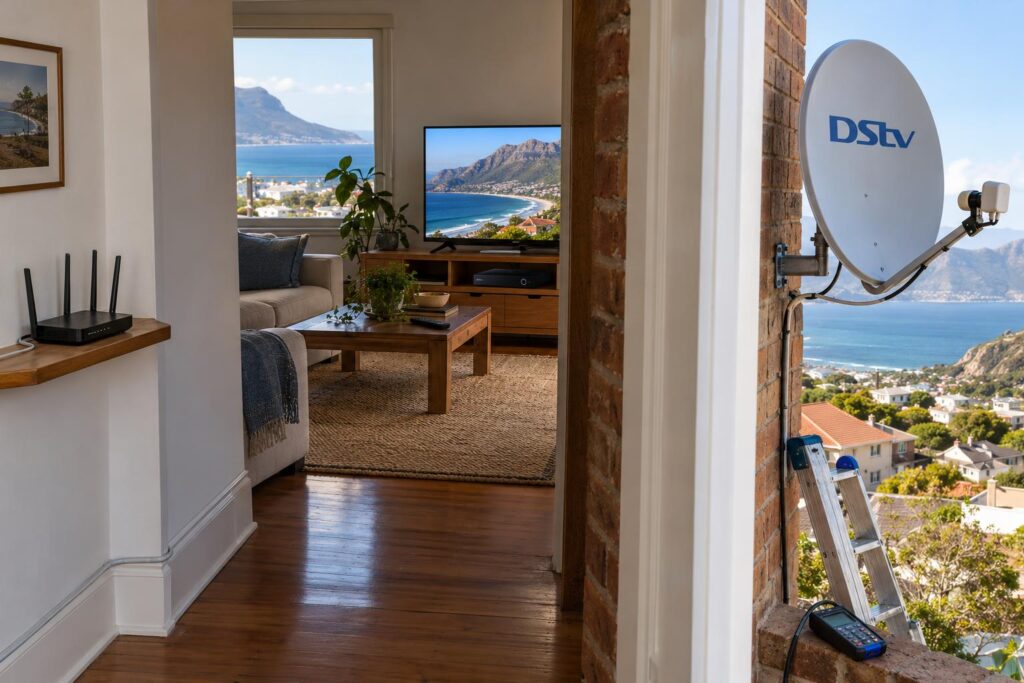
Most of Fish Hoek has good fibre, but signal inside the house is another story. Thick brick walls in older homes near the main road can block WiFi between the router and the lounge. A weak link means buffering, even on a fast line.
Before you spend extra on the Ultra, test the speed where the TV actually stands. If it drops a lot, a network cable or a better router position usually fixes it. Our guide on how to connect your Explora to WiFi walks you through the steps and the common drop-outs.
Local tip: Holiday homes in Glencairn and Noordhoek often have a prepaid or capped router that sits unused for months. If streaming is not a big part of your stay, a standard Explora is the smarter buy for a house that is empty half the year.
Installing an Explora or Explora Ultra in Fish Hoek
The install work is almost the same on either side of the Explora vs Explora Ultra choice. A good decoder on a poor install still gives you a poor picture. Down here, the southeaster and the salt air off False Bay test every bracket, connector and cable run.
Dish, Smart LNB and cabling
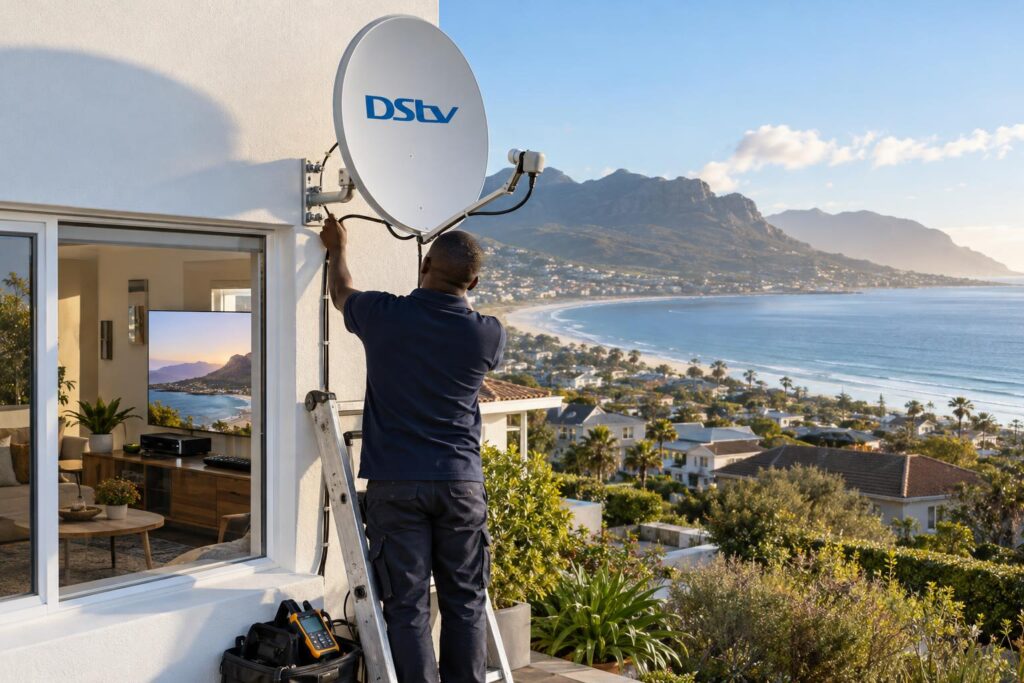
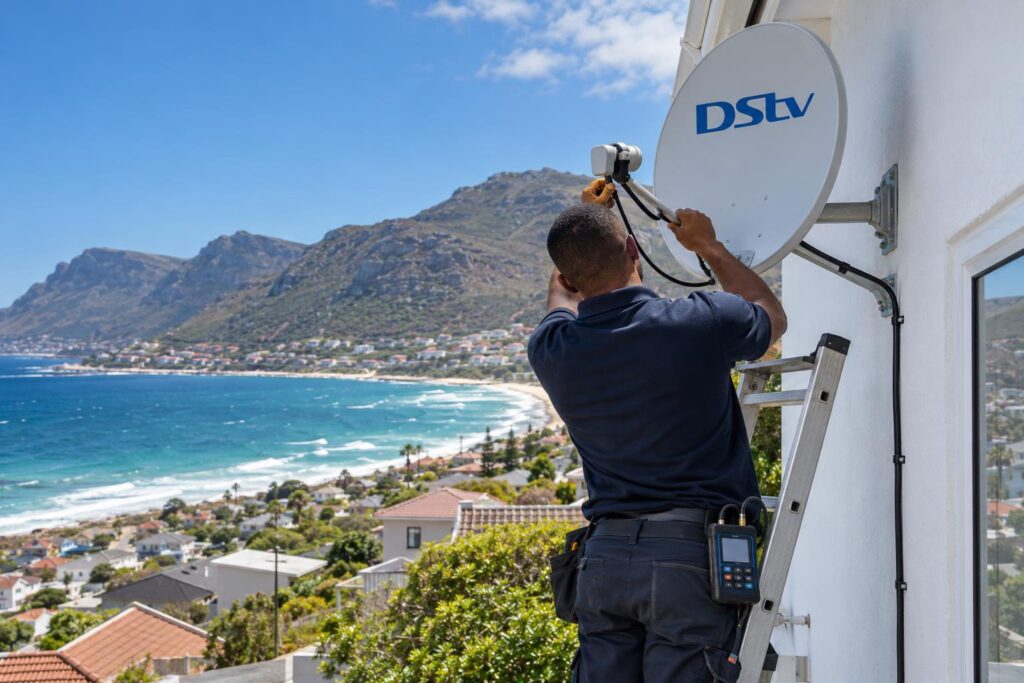
Both Explora models are set up for a Smart LNB, which also powers most XtraView setups. If your dish has an older LNB, we swap it and check the signal with a meter, not by guesswork. Our Explora installation service covers the dish check, Smart LNB, cabling and setup in one visit.
On homes in Kalk Bay and along the Simon's Town side, we use sealed connectors and UV-rated cable because the wind and salt mist eat cheap fittings fast. A dish that moves in a strong gust needs a firmer mount, which is why southeaster dish alignment is part of every check we do.
Our install steps
- We check your dish, mount and LNB for rust and movement.
- We fit or replace the Smart LNB if needed and align the dish with a signal meter.
- We run new cable where the old run is cracked, kinked or corroded.
- We connect the Explora or Ultra by HDMI and help you activate it with DStv.
- We link the Ultra or Explora to your internet and test Catch Up and the apps.
- We set up any XtraView decoder and show you how to record and use the remote.
If you bought the decoder with a DStv installation voucher, DStv's accredited installation terms say an Explora or Ultra is installed to two TV points, with extra travel, cabling or amplification charged separately. For a complete new setup, including the dish and TV point, ask about our DStv installation in Fish Hoek.
XtraView with an Explora or Explora Ultra
XtraView lets one account run up to three decoders in different rooms, each on its own channel. An Explora or an Ultra has to be the main decoder.
In a multi-room home, Explora vs Explora Ultra comes down to which room gets the premium box. In a busy family home, we often put the Ultra in the lounge for streaming and 4K, then link a cheaper decoder in a bedroom. That way you pay for the premium box once, where it counts. If you are comparing ways to watch two channels, our Dual View vs XtraView guide explains which setup suits which family.
Mistakes to avoid with Explora vs Explora Ultra
Most Explora vs Explora Ultra regrets come from small things people did not think about before the swap. These are the ones we see most often.
- Buying the Ultra for a Full HD TV. You pay for 4K you will never see.
- Forgetting your recordings. They stay on the old box, so watch the ones you want first.
- Ignoring the WiFi in the TV room. Fast fibre at the router does not mean fast WiFi at the decoder.
- Keeping a rusted LNB. A new decoder will not fix a corroded part on the dish.
- Plugging straight into the wall. Power cuts and surges are hard on decoders, so use a surge plug.
Power cuts are still part of life on the South Peninsula. If your decoder acts up after the power returns, our notes on decoder recovery after load shedding cover the safe restart steps.
Holiday home owners should also plan for a decoder that sits switched off for weeks. Keep the subscription active or paused properly, and test it before the family arrives.
Still weighing up Explora vs Explora Ultra?
We install the Explora and Explora Ultra across Fish Hoek, Clovelly, Kalk Bay, Glencairn, Noordhoek and Simon's Town. Call or WhatsApp to book a time that suits you.
Call 079 754 5527WhatsApp usBook onlineExplora vs Explora Ultra FAQs
What is the difference between the Explora and the Explora Ultra?
Both record, pause and rewind live TV and give you Catch Up. The Explora Ultra adds 4K, HDR, Dolby Atmos, built-in WiFi and apps like Netflix and YouTube. The standard Explora 3B plays in Full HD.
Is the Explora Ultra worth it over the standard Explora?
It is worth it if you have a 4K TV, steady internet and stream every week. If you mainly watch DStv channels and record shows, the standard Explora does the job for less money.
Explora vs Explora Ultra: which is better for a holiday home?
For most holiday homes we suggest the standard Explora. It is cheaper, simple for guests and does not depend on internet for live TV. Choose the Ultra only if the house has reliable fibre and guests stream a lot.
Does the Explora Ultra have WiFi?
Yes, the Explora Ultra has WiFi built in. If the signal is weak where the decoder stands, a network cable gives a steadier connection for streaming and Catch Up.
Will my recordings move across if I upgrade to the Explora Ultra?
No. Recordings are stored on the old decoder's drive and do not transfer. Watch the shows you want to keep before we swap the boxes.
Can the Explora Ultra be the main decoder for XtraView?
Yes. An Explora or Explora Ultra must be the primary decoder in an XtraView setup. You can link up to three decoders on one account.