Quick answer: At the time of writing (October 2026), DStv's own help page lists the Explora Ultra at R2,499 without installation and R3,699 with installation. Your monthly package is billed separately. In Fish Hoek, the real total also depends on whether your dish and LNB can support the Ultra, so check that before you buy.
If you have searched for a DStv Explora price Fish Hoek shops and installers agree on, you have probably seen three different numbers. One is the box on the shelf. One is the box installed. One is a quote that adds a new LNB. We get this question every week, so this guide clears up the myths first, then gives you the facts, then a simple checklist.
DStv Explora price myths we hear in Fish Hoek
Most confusion about the DStv Explora price comes from comparing prices that do not cover the same thing. Here are the four myths we hear most often on call-outs.
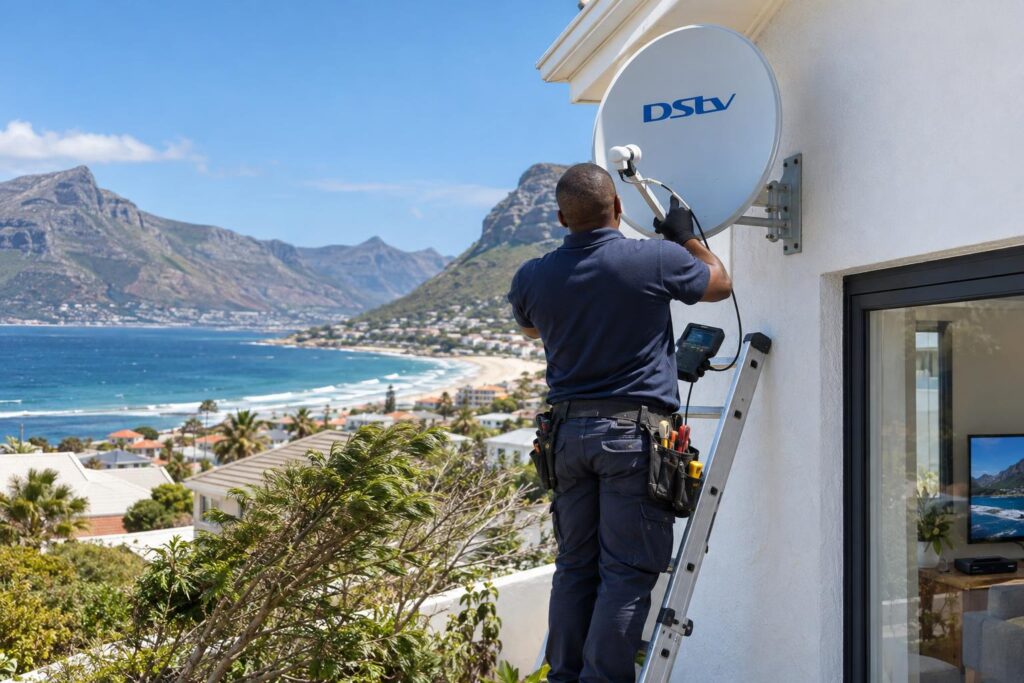
Myth 1: "The shelf price is the whole cost"
The DStv Explora price on a retail shelf usually covers the decoder, the remote, an HDMI cable and a power supply. That is it.
It does not cover a dish, a Smart LNB, new cable, wall brackets or a technician. If your home needs any of those, the cost goes up.
Myth 2: "My old dish will work, so there is nothing to pay"
Many older Fish Hoek installs still have a basic LNB on the dish. DStv lists an 80cm dish and a DStv Smart LNB as the installation spec for the Explora Ultra.
Sometimes the dish is fine and only the LNB needs a change. Sometimes the cable is the problem. We test first, then tell you.
Myth 3: "The Explora price includes my channels"
It does not. The DStv Explora price is a once-off purchase for the box. Your DStv package is a separate monthly subscription.
Myth 4: "The Ultra gives me free Netflix"
The Ultra can run Netflix and Prime Video, but each needs its own subscription. The box gives you access to the app, not the service.
The facts: DStv Explora price at the time of writing
These are the recommended retail prices on DStv's official hardware FAQ at the time of writing (October 2026). Retailers sometimes run specials, so shop prices can sit above or below these figures.
| Item | Without installation | With installation |
|---|---|---|
| DStv Explora Ultra | R2,499 | R3,699 |
| DStv Explora (2A / 3A) | R999 | R1,999 |
| Decoder insurance, Explora Ultra | R39 per month | |
| Decoder insurance, Explora 2A / 3A | R35 per month | |
You can read the full comparison on the DStv Explora Ultra hardware FAQ. DStv also says contract options are available, so check current offers before you pay cash.
The older Explora is not always easy to find new. Many people now buy the Ultra by default, so the Ultra's DStv Explora price is the number most Fish Hoek homes work from.
Key points on the Explora price
- The Explora Ultra lists at R2,499 for the box only and R3,699 installed.
- Your monthly package is never included in the decoder price.
- The Ultra is installed with an 80cm dish and a DStv Smart LNB.
- Netflix and Prime Video need their own subscriptions.
- Recordings stay on the old decoder. They do not move to a new one.
Explora Ultra vs older Explora: what the extra money buys
Both boxes record up to about 110 hours and let you pause live TV for up to two hours. Without internet, DStv says the two work the same for everyday viewing.
The gap shows up once you connect to the internet. If you are still torn, our Explora vs Explora Ultra comparison gives the short version.
What the Ultra adds
- Built-in WiFi, plus a network cable port.
- Netflix and Prime Video apps, with your own subscriptions.
- 4K and HDR picture where the content and your TV support it.
- Dolby Atmos sound where available.
- No smartcard slot to fiddle with.
When the older Explora still makes sense
If you already own a working Explora 2A or 3A, you may not need to upgrade. It still records, pauses and shows Catch Up.
It needs a USB WiFi connector or a network cable to go online. For a home that mainly watches live sport and news, that is often enough.
What a DStv Explora price means for Fish Hoek homes
A decoder works the same in Johannesburg as it does here. The installation does not, so the same DStv Explora price can lead to a different final bill. Our coast is hard on outdoor parts, and that changes what a fair quote looks like.
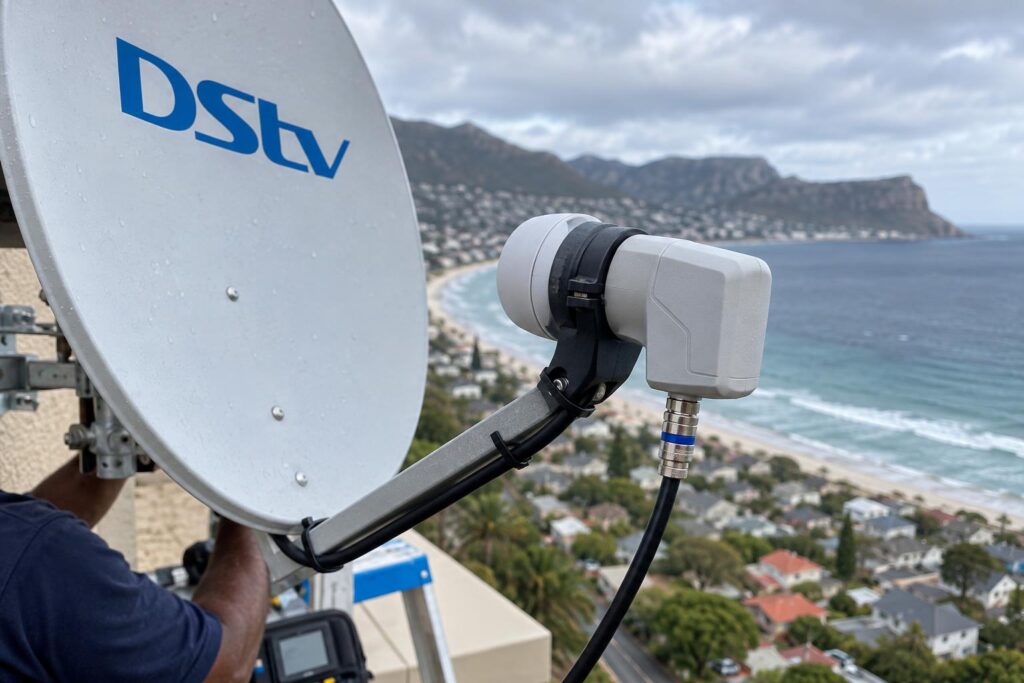
Wind, salt and the dish on your wall
The southeaster hits homes on the slopes of Sun Valley and along the Glencairn side hard. A dish that moves a few millimetres can lose signal.
Close to False Bay, salt air eats cheap brackets and connectors. Our guide to salt air corrosion on dish parts shows what to look for before you reuse old fittings.
The Smart LNB question
Plenty of homes in Clovelly, Sunnydale and Capri still run an older LNB. If yours does, budget for a change when you move to the Ultra.
Our article on the DStv Smart LNB price explains when you need one and when you do not.
WiFi where the decoder lives
The Ultra's apps and Catch Up streaming need a stable connection. Thick brick walls in older Fish Hoek houses can block WiFi before it reaches the lounge.
Before you pay extra for streaming features, test the signal at the TV. This step by step guide shows how to connect your Explora to WiFi and keep it connected.
Local tip: After a power cut, give the Explora a few minutes to boot and update before you decide it is faulty. A small UPS on the router helps streaming come back faster, but it will not run the decoder itself.
Not sure your dish can handle an Explora Ultra?
Send us a photo of your dish and LNB on WhatsApp. We will tell you what you need before you buy anything.
Call 079 754 5527WhatsApp usBook onlineExplora installation cost in Fish Hoek
Our Explora setup starts from R2,200. That covers full installation and configuration of an Explora or Explora Ultra. Equipment is priced separately, and we give you the full figure upfront before we start.
Every home is different, which is why our team doing DStv installation in Fish Hoek quotes from what we see on site.
Some jobs take longer than others. A double-storey roof in Simon's Town or a long cable run on a Noordhoek smallholding takes more time than a single-storey wall mount near the Fish Hoek main road.
What a proper Explora install includes
- We test the existing dish, LNB and cable with a signal meter.
- We replace only what fails the test, and explain why.
- We mount and align the dish so it holds through the wind.
- We seal every outdoor connector against salt and rain.
- We connect the decoder, help with activation and link it to your WiFi.
- We set up recording and show you Catch Up before we leave.
Our DStv Explora installation service page lists everything included in more detail.
Adding a second room
Many families want the Explora in the lounge and a second decoder in the main bedroom. That changes the cabling and sometimes the LNB.
If you are weighing up options, read our guide on Dual View vs XtraView before you buy a second box.
Buying a second-hand Explora: checks that save money
A used box can bring the DStv Explora price down a lot. Used Explora decoders often appear on local selling groups around Kalk Bay and the Far South. Some are good buys. Some are trouble.
- Ask the seller for the decoder and smartcard numbers.
- Call DStv to confirm the unit can move to your account.
- Check it is not linked to an insurance claim or a stolen report.
- Test recording, playback and the remote before you pay.
- Remember a failed hard drive can wipe out any saving.
Holiday homes are a special case. If the house in Glencairn or Kommetjie sits empty for months, a working older Explora is often the sensible, cheaper choice.
Monthly costs to add to your DStv Explora price
The decoder is a once-off cost. These monthly costs come on top of the DStv Explora price:
- Your DStv package subscription.
- Optional decoder insurance.
- Netflix or Prime Video, if you want them.
- Internet data for streaming and Catch Up.
Our breakdown of DStv packages and prices helps you pick a package that suits how your household actually watches.
Your DStv Explora price checklist before you buy
Work through this list and you will know your real DStv Explora price, and your real total, before you spend a cent.
- Decide between the Ultra and an older Explora based on how much you stream.
- Check the DStv list price and any current retail special.
- Take a photo of your dish and the LNB on its arm.
- Test your WiFi at the spot where the TV sits.
- Count the rooms that need TV now, and the ones that will next year.
- Ask for one written quote that lists decoder, LNB, cable and labour.
- Keep your invoice and the serial number label for warranty.
For anything on the roof, our local DStv installers in Fish Hoek can check your setup and give you a clear figure on the same visit.
Ready for your Explora Ultra?
We cover Fish Hoek, Clovelly, Sun Valley, Kalk Bay, Glencairn, Simon's Town and Noordhoek. Get a clear quote that lists decoder, LNB, cable and labour.
Call 079 754 5527WhatsApp usBook onlineA fair price is not the cheapest box. It is the box that works first time, every time the wind blows.
DStv Explora price FAQs
How much is a DStv Explora Ultra in Fish Hoek?
At the time of writing (October 2026), DStv lists the Explora Ultra at R2,499 without installation and R3,699 with installation. Retail specials can change that figure. If your dish needs a Smart LNB or new cable, budget for that as well.
Is there a DStv Explora price per month?
The decoder is a once-off purchase, and your DStv package is a separate monthly bill. DStv also offers contract options, so check current offers. Decoder insurance for the Ultra is listed at R39 per month.
Does the DStv Explora Ultra have WiFi?
Yes. The Explora Ultra has built-in WiFi and a network cable port. The older Explora 2A and 3A need a USB WiFi connector or a cable to go online.
Does the DStv Explora have Netflix?
The Explora Ultra has Netflix and Prime Video apps. You need your own subscription for each one. The older Explora models do not offer these apps.
Is the DStv Explora price at PEP or Game the same as installed?
No. A shelf price is usually for the decoder only. Installation, a Smart LNB, cable and brackets are extra unless the box clearly says installed.
Can I keep my old dish when I buy an Explora Ultra?
Often, yes, if it is an 80cm dish that is solid and free of rust. The LNB may still need to change to a DStv Smart LNB. We test the signal first so you only pay for what is needed.