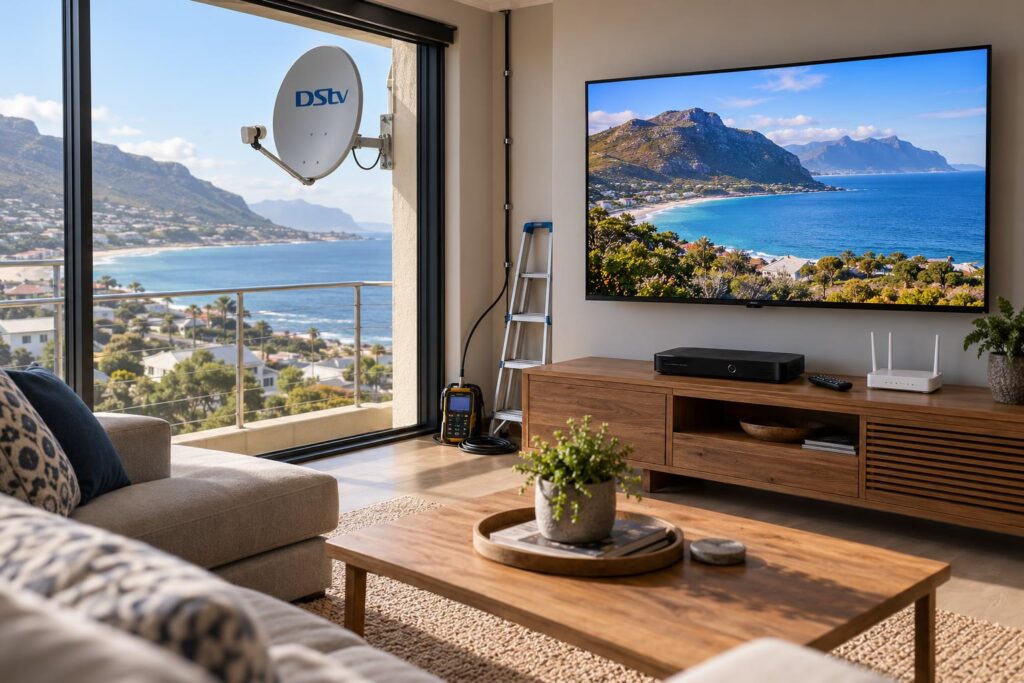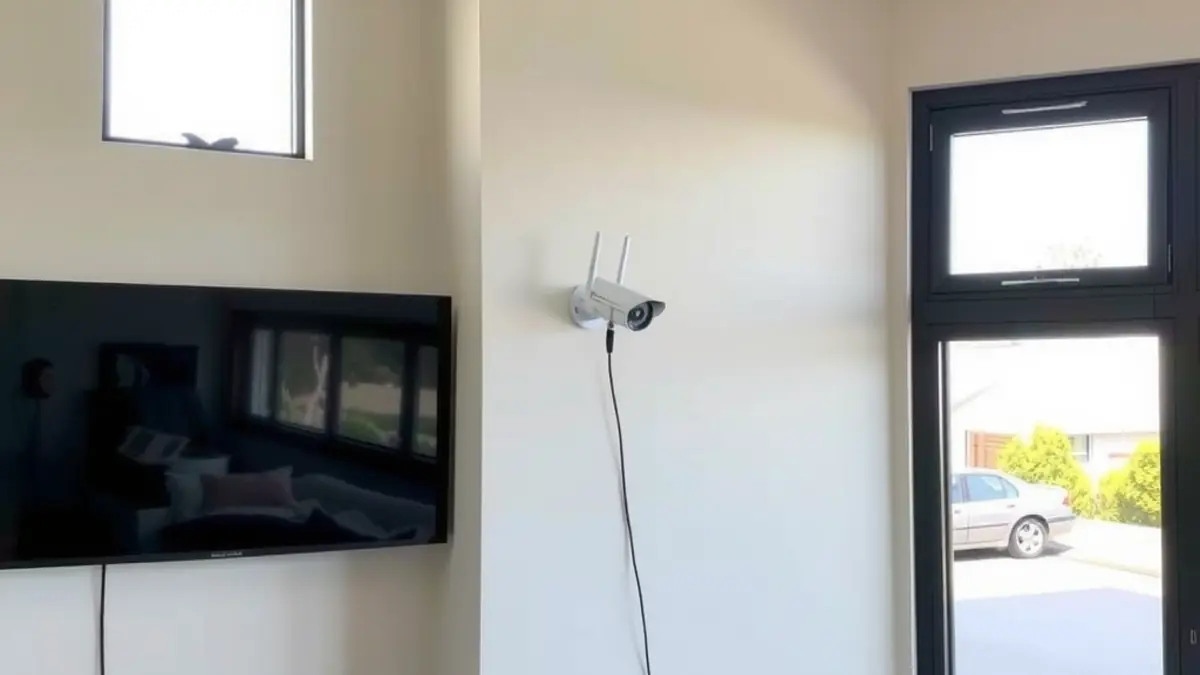
A modern Fish Hoek home may need satellite television, streaming, dependable WiFi, wall-mounted screens and security cameras. Treating each as a separate last-minute job can leave duplicated cables, overloaded power points, weak coverage and equipment in awkward places. A coordinated plan starts with rooms, users and routes before choosing products.
Local building conditions make early planning especially useful. Older brickwork can complicate drilling, thick walls can weaken wireless coverage, and False Bay salt mist can affect outdoor fittings. Mountain slopes and nearby structures can also restrict satellite and aerial positions. The goal is not to buy the most equipment, but to make every system work together cleanly and remain serviceable.
Begin with a room-by-room needs list
List each television, work area, camera, streaming device and network-dependent appliance. Note which rooms need live DStv, which need apps only and where reliable video calls matter. Include future rooms even if the budget will be phased. A simple floor plan helps identify central equipment positions and sensible cable routes.
For satellite viewing, a new DStv installation should start with line of sight, mounting access and the decoder location. Avoid placing the dish or decoder first and then trying to force every other decision around it.
Design the satellite system for actual viewing habits
Households that record and use connected features may need an Explora installation with stable satellite signal and suitable internet access. If two rooms need independent viewing, assess XtraView installation early because decoder compatibility and cabling affect the layout.
The dish must be secure and measurable, not merely hidden. Professional dish alignment establishes useful signal margin while accounting for available sight lines. On exposed Fish Hoek sites, the bracket and cable restraint must also cope with the south-easter. If an old system is being incorporated, use DStv diagnostics to identify weak cables, connectors or hardware before building around them.
Build WiFi around coverage and capacity
Router placement is one of the most important choices. A fibre termination point in a corner cupboard may be convenient for the incoming service but poor for whole-home coverage. Thick brick walls, changes in level and neighbouring networks can all reduce performance. A home WiFi network plan should consider access-point locations, wired backhaul, mesh placement and device demand.
Run data cable while ceilings or walls are accessible. Wired links are particularly useful for fixed televisions, access points, recorders and workstations. Keep network equipment ventilated, labelled and reachable. Hiding everything in a sealed cabinet may look tidy but can cause heat and service problems.
Choose television positions before mounting
Screen height, viewing distance, glare and furniture all matter. A professional TV mounting service should check wall construction and concealed services before drilling. Older brick can be strong, but the condition of plaster and the selected anchors still need evaluation.
Plan power, HDMI, coaxial and network connections so that leads are not stretched behind the screen. If equipment sits in a cabinet, allow remote control operation and airflow. For a future move within the home, a planned DStv relocation can preserve useful equipment while replacing routes that no longer suit the room.
Add free-to-air viewing where it has a purpose
Free-to-air television can complement subscription and streaming choices. Openview installation provides a satellite-based option using compatible equipment, while TV aerial installation depends on terrestrial signal at the property. These are not interchangeable, and an old cable or aerial should be tested before reuse.
Decide which rooms need access and whether distribution is private or shared. Avoid combining signals with unplanned splitters because poor components and excessive losses can create unreliable reception.
Plan CCTV around useful evidence
A camera is useful only if it captures the right area with enough detail under real lighting. A CCTV installation survey should cover entrances, approaches and vulnerable zones while respecting neighbours and private spaces. Consider night performance, storage duration, recorder security and who can access footage.
Outdoor cameras, connectors and boxes need protection from coastal air and weather. Network cameras also add traffic and depend on stable power and data paths. Put the recorder and core network equipment somewhere secure, ventilated and serviceable rather than directly beside an exposed television.
Consider backup power by priority
Decide which services must remain available during an outage. The router and selected cameras may be a higher priority than every television. Add the actual power draw of the chosen devices and use correctly specified equipment. Backup capacity, battery chemistry, ventilation and safe installation are specialist matters, so obtain appropriate electrical advice.
Document a startup sequence for the router, access points, recorder, decoder and screens. This makes load shedding recovery simpler and helps identify which device failed to return.
Different plans for flats, businesses and larger properties
A flat may connect to common infrastructure rather than its own dish or aerial. Changes should be coordinated through communal TV and satellite services with body corporate approval. WiFi and television work inside the unit can still be planned together, but shared roofs, risers and cabinets require permission.
Guesthouses, offices and hospitality venues need a more formal design. Commercial DStv installation can involve multiple displays, protected equipment and scheduled support. The same project may require segmented guest WiFi, staff networks and controlled camera access. Subscription, privacy and compliance decisions should be confirmed with the relevant providers and advisers.
Create one cable and equipment schedule
- Give every outlet and cable a clear label at both ends.
- Separate power and low-voltage routes appropriately.
- Record dish, aerial, access-point and camera positions.
- List device models, login ownership and warranty details securely.
- Leave service loops and access instead of sealing joins into walls.
- Photograph hidden routes before ceilings and walls are closed.
A shared schedule helps the TV, network, security and electrical contractors coordinate. It also prevents a future installer from cutting an unidentified cable or placing a new device where signal and power are poor.
Phase the project without wasting work
If the complete plan is beyond the current budget, install infrastructure first. Conduits, power locations, data cable and secure equipment space are harder to add after finishes are complete. Screens, cameras and access points can then be added in stages. Make sure the first phase still works independently and that later capacity is based on a documented design.
A coordinated home system should be simple to use, easy to explain and practical to maintain. Good planning produces fewer visible cables, better coverage and less duplicated labour, while allowing each specialist system to be tested on its own terms.
Frequently asked questions
Should I use WiFi or network cable for a smart TV?
A wired connection is often stable for a fixed screen, but good WiFi can also work. The choice depends on cable access, streaming demand and coverage at the exact television position.
Can DStv, CCTV and internet cables share one route?
They can sometimes use coordinated pathways, but separation, conduit capacity, bend limits and power proximity must be planned. Do not bundle everything together without technical review.
Where should the router be placed?
Choose a central, open and ventilated position where possible. If the service enters at an unsuitable edge location, use data cabling and additional access points to distribute coverage.
How do coastal conditions affect outdoor equipment?
Salt mist can accelerate corrosion, while wind and rain test mounts, seals and cable restraint. Use appropriate exterior fittings and inspect them periodically.
What should I install first during a renovation?
Start with the layout, conduits, power, data cabling and equipment location. These infrastructure decisions support later installation of televisions, decoders, access points and cameras.